
TL;DR: the Optimizely supply-chain attack
- What happened: On 2026-11-16, an attacker with write access to Optimizely Web customer projects added a loader to their custom JavaScript. Report URI counted 178 organizations serving it, including Zoom, the BBC, CNN, GitLab, HSBC and Ledger.
- Why defenses missed it: The code came from
cdn.optimizely.com, a host every affected site had already approved. Of 256 affected sites Report URI crawled, only 24 had a CSP that blocked the payload. - The lesson: Blaming Optimizely won't stop the next one. Polymarket was hit through two different vendors in four months. What protects you is seeing each script's payload and behavior in real sessions on your own pages, which is how cside caught this one for its customers.
Short on time? See cside client-side security. It covers everything below in one deployment.
Optimizely Web is an A/B testing and personalization tool. A site adds one script tag pointing at cdn.optimizely.com, and the file behind it carries that customer's experiments plus any custom JavaScript the team writes into the project. That custom JavaScript field is where the attacker went. The script tag never changed, the domain never changed, and for a day the payload on some of the most visited sites on the web did.
What happened in the Optimizely compromise
Report URI disclosed the attack on 2026-11-17, and the write-up reached the front page of Hacker News the same day. The core facts from their analysis:
- An attacker obtained write access to a large number of unrelated Optimizely customer projects.
- They added a short loader to each project's custom JavaScript and left the rest of the snippet alone, so experiments kept running and nothing looked broken.
- Optimizely's CDN was not compromised. It served exactly what it was given.
- Report URI checked 1,611 Optimizely snippets and found the loader in 188 of them, belonging to 178 organizations.
Optimizely has said it fixed the flaw and removed the injected code. At the time of writing there is no detailed public account of how the attacker got write access, and secondary reports disagree on the entry point. We will update this post as that becomes clear.
What the payload did
The loader pulled in a multi-purpose payload. Each behavior targets a different kind of visitor:
| Behavior | What it means for visitors |
|---|---|
| Crypto address swapping | Wallet addresses shown on the page were replaced with attacker-controlled addresses |
| Card skimming | Payment details typed into forms were copied and sent to the attacker |
| Cookie theft | Session cookies were exfiltrated, which allows session hijacking |
| Screenshots | Captures of page content were sent out |
| iOS exploit delivery | iPhones on older iOS versions were served exploit kits |
The spread of targets is the point. Ledger and HSBC visitors are worth a different attack than CNN readers, and one loader on 178 sites lets the attacker run all of them at once.
Who was affected
Report URI's list includes Zoom, the BBC, CNN, GitLab, HSBC and Ledger. Coverage of the list puts 32 of the 178 organizations in banking and finance, 23 in technology and 20 in retail, with the rest spread across news, airlines, healthcare and crypto. Report URI says the real number is likely higher, because it could only check snippets it could find.
Why a trusted domain was the perfect delivery route
Most third-party script controls make one decision, at onboarding: is this vendor's domain allowed? Security review approves Optimizely, the tag goes in, and cdn.optimizely.com lands on the CSP allowlist. From then on every control asks the same question and gets the same answer.
The content behind that domain changes all the time. Marketing teams edit experiments daily, and Optimizely ships whatever is in the project.
Browser supply-chain attacks reach a page in a few different ways, and each needs a different defense:
- A new source added to a trusted one. A compromised build pipeline or CI job adds a script, or a call to a new host, inside code you already load. The new host is the tell.
- A source that is no longer safe. The vendor's domain or DNS is hijacked, so everything served from it is suspect, including code that looks identical to yesterday's.
- A flaw in the vendor's application. The source is fine and still trusted, but a vulnerability lets an attacker change what it serves. From what is public so far, this is what happened at Optimizely: no hijacked domain, no DNS change and no new script tag, only a flaw in how the application controlled who could edit customer projects.
Compare it to earlier incidents:
| Incident | What the attacker controlled | Domain still "trusted"? |
|---|---|---|
| Polyfill (2024) | The domain itself, after a change of ownership | Yes, until blocklists caught up |
| AppsFlyer Web SDK (2026) | DNS for the vendor's domain, via the registrar | Yes |
| Optimizely (2026) | The content of individual customer projects | Yes, and the vendor's infrastructure was fine |
Each step down that table leaves less for a domain-based control to notice. In the Optimizely case there was nothing wrong with the domain at all.
Why CSP did not stop it
Content Security Policy is the control most teams would point to for this attack, and Report URI, a CSP reporting company, measured how it performed. They crawled 256 affected sites:
- 68 had no CSP at all.
- 17 had a policy that stopped data leaving the page, but not the address swap.
- Only 24 had a policy that blocked the payload.
The address swap is worth dwelling on. It runs entirely inside the page: read the DOM, find a wallet address, replace it. No network request is needed, so no CSP directive that restricts network destinations can stop it.
script-src allowlists approve the host, not the code
Most CSPs in production are host allowlists in script-src. They answer "may this host serve scripts?" and every affected site had already answered yes for cdn.optimizely.com. The loader arrived inside an approved file from an approved host, so the policy did what it was configured to do.
On the night of the disclosure we checked a site running on the same platform as one of the brands on Report URI's list. Its Optimizely snippet was clean by then. Its CSP still allowed scripts from any https: origin plus 'unsafe-eval'. That policy passes a "has CSP" check and stops nothing. The next loader, on any host, runs.
Stricter CSP modes are a headache to run
The usual answer is "use a strict CSP instead." Each strict mode has a cost that explains why so few sites run one:
- Nonces with
'strict-dynamic': the legitimate Optimizely snippet gets a nonce, and'strict-dynamic'passes that trust on to any script it loads. A loader inside a trusted snippet inherits the trust it needs. - Hashes or Subresource Integrity: the Optimizely snippet changes every time someone edits an experiment. Pinning its hash means either breaking experiments constantly or dropping the pin.
- Tight
connect-src: this can block exfiltration, but you have to list every endpoint every vendor calls and keep that list current. It does nothing for on-page tampering like the address swap.
CSP sounds like the mechanism that should solve this, and for this attack it was the wrong tool. A policy strict enough to matter is usually impractical: third-party vendors change the hosts and code they load without notice, so pages often start breaking within days of a strict CSP going live, as checkout widgets, experiments or chat stop loading. Teams then loosen the policy until it stops breaking things, which is how sites end up with https: and 'unsafe-eval'. CSP is still a reasonable floor. We cover the wider pattern in why CSP doesn't work on its own.
Blaming Optimizely misses the point
The instinct after an incident like this is to blame the vendor. Optimizely had a flaw that let an attacker edit customer projects, and it should answer for that. But the scripts ran on 178 organizations' own pages, in their own customers' browsers, and very few of those organizations were watching what the scripts did.
Switching vendors does not change that. Every site runs dozens of third-party scripts, and any of them can be the next one compromised. Polymarket is the clearest recent example: in June 2026 a compromised third-party vendor injected a wallet drainer into its frontend, and on 2026-10-29 a replaced performance-monitoring script went after its users again. Two different vendors, the same gap, four months apart.
The vendor will be different next time. What stays the same is whether you can see what runs on your own pages. That part is your responsibility, and it is the part you control.
Watch what the script does, not where it comes from
The control that holds up against this attack looks at the payload and its behavior in real sessions. In practice that means:
- Version every script. Hash each third-party script every time it is served, so a content change on an unchanged URL shows up as a new version instead of passing silently.
- Analyze the new version. A changed Optimizely snippet is normal. A changed snippet that now loads a script from a new host is not.
- Watch runtime behavior. New outbound destinations, reads of payment fields, DOM rewrites of wallet addresses, clipboard access and cookie reads by a script that never touched them before are all signals.
- Compare across devices. Code paths that only run on certain devices, like an iOS-only branch, are a strong sign of a targeted payload.
How cside caught the Optimizely attack
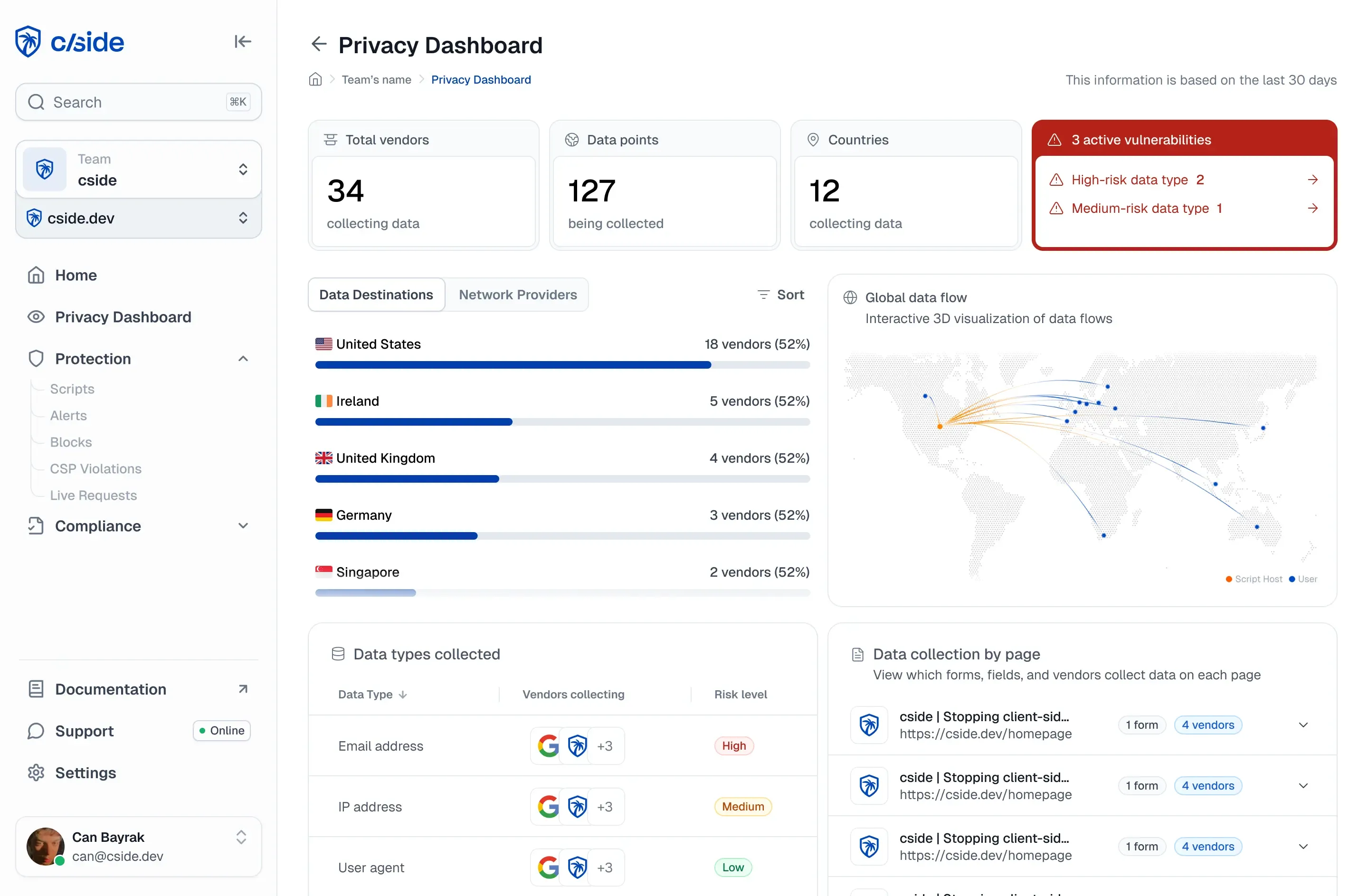
cside detected the modified Optimizely payloads on customer sites and reported them to the affected customers.
cside deploys as one first-party script tag, with no DNS change and nothing sitting in front of your traffic. With Script Method, cside fetches each third-party script server-side to hash, archive and analyze it. When the Optimizely snippet on a customer site changed content behind the same URL, it was a new version with a new hash, and that version was analyzed for what it does, not approved for where it came from. Behavior observed in real browser sessions is keyed to that hash, and blocks are enforced at runtime in the browser, alongside whatever CSP the site already runs.
The archive matters after the fact too. When a customer asks "did the bad version run on our checkout, and when?", the answer is a specific script version with a timestamp rather than a guess.
What to do this week
If you run Optimizely, or any tool that executes custom JavaScript on your pages:
- Review your Optimizely project. Check the custom JavaScript and change history for 2026-11-16 and 2026-11-17 and look for collaborators or API tokens you do not recognize. Enforce SSO and two-factor authentication on the account.
- Scope payment exposure. If the affected pages took card data or showed wallet addresses, bring in your payments and fraud teams. On payment pages this is exactly what PCI DSS 4.0.1 Requirements 6.4.3 (script authorization and integrity) and 11.6.1 (change and tamper detection) are written for.
- Revoke sessions. Revoke every session that was active during the exposure window, including ones that started earlier, and make sure your servers reject the old session tokens. Rotating cookies on the client is not enough if the stolen value still works server-side.
- Tighten your CSP where you can. Remove
https:wildcards and'unsafe-eval'fromscript-src, and restrictconnect-src. It will not stop the next one on its own, but it narrows what a loader can reach. - Inventory everything that runs custom code. Tag managers, A/B testing, personalization and chat widgets all share this risk shape. Each one is a write-access account away from the same incident.
- Monitor payload changes and behavior. Put runtime visibility on every third-party script, not only the ones on checkout. Our best practices for securing third-party scripts cover the full set of controls.
Further reading on cside
- What is the browser supply chain?
- The Polyfill supply-chain attack timeline
- AppsFlyer Web SDK supply-chain compromise
- Why CSP doesn't work on its own
This post reflects public reporting as of 2026-11-17, primarily Report URI's analysis. Figures and the entry point may change as Optimizely and researchers publish more.