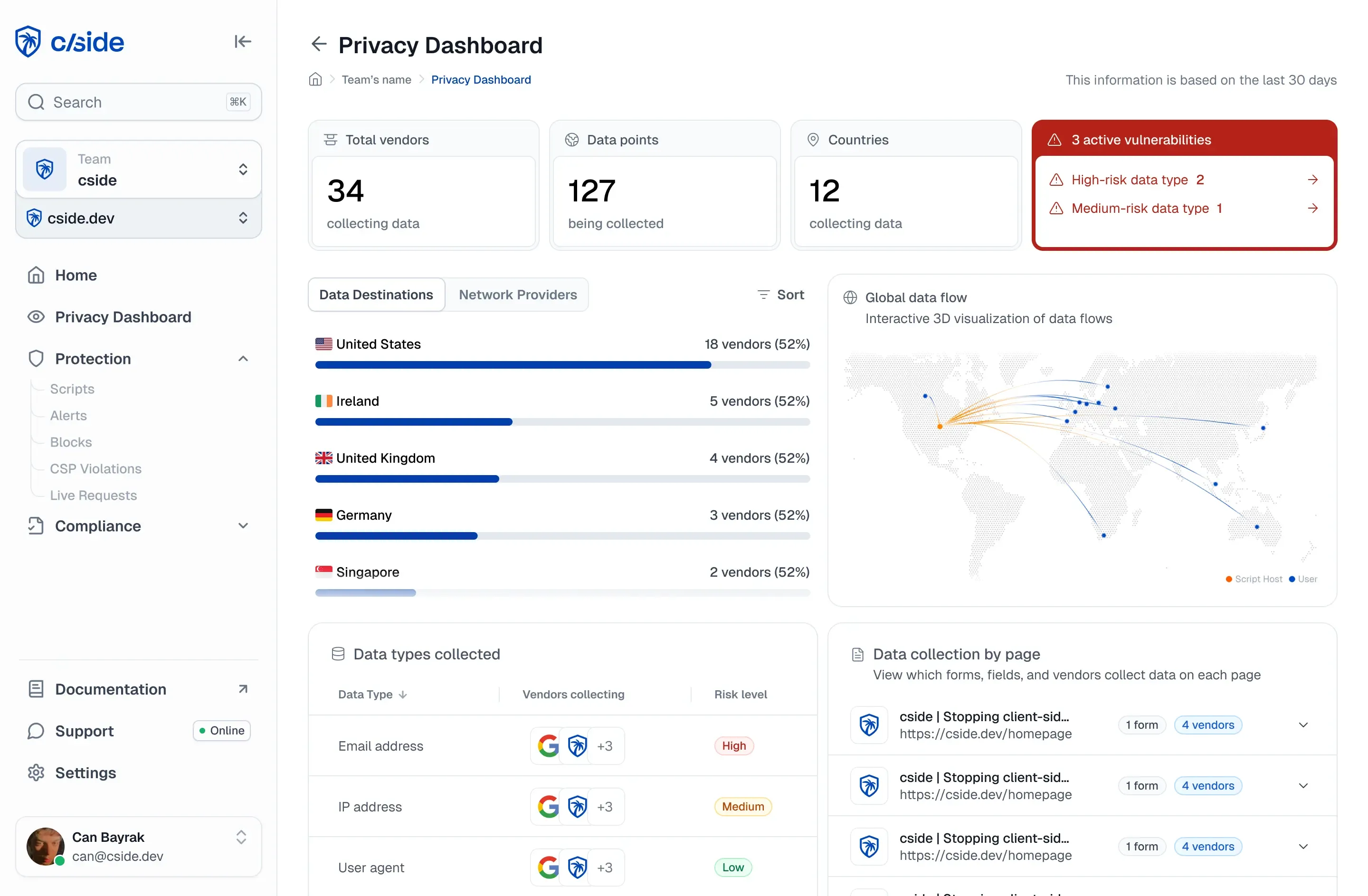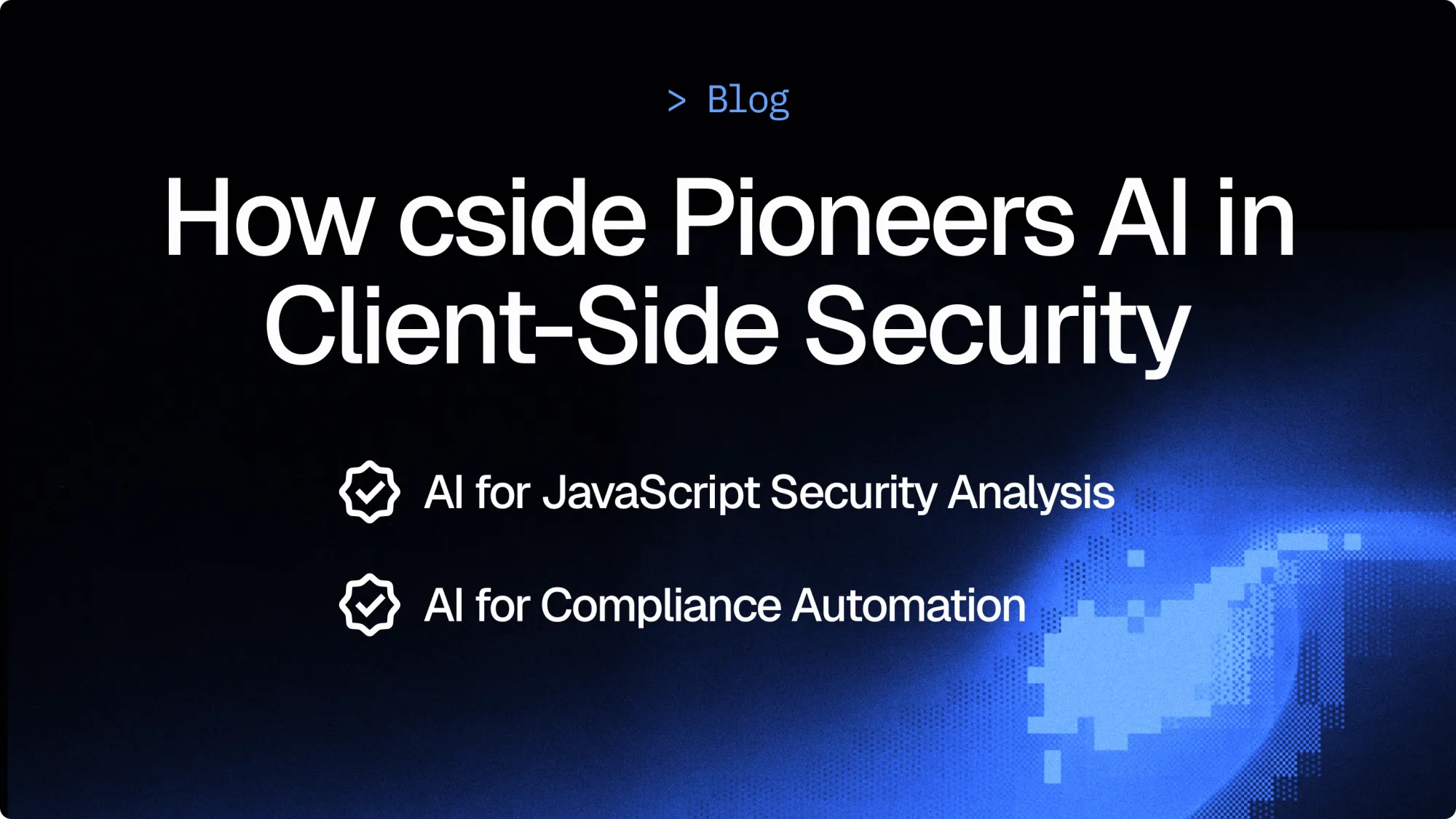
TL;DR: self-hosted AI for client-side security
- Vendor APIs leak data: The industry default for AI in security tooling is to pipe payloads to a third-party model API, but that quietly hands script contents to a vendor whose data-handling policies rewrite themselves without asking your GRC team first.
- Self-hosted from day one: cside launched in May 2024 as the first client-side security product built with LLMs at the core, running open source models on its own cloud so script contents never leave controlled infrastructure and none of it enters a training set.
- Whose infrastructure runs it: Before your next AI policy review, decide whether analyzing obfuscated JavaScript on payment pages, alongside PCI DSS 4.0.1 Requirements 6.4.3 and 11.6.1 automation, is a job that belongs on someone else's shared model or on infrastructure that answers to you.
Short on time? See cside's in-browser Magecart and skimmer blocking. It covers everything below in one deployment.
TL;DR
In May 2024, cside launched as the first client-side security solution to integrate AI into its product.
We use self-hosted open source models on our own infrastructure to analyze JavaScript for malicious intent. Explain script behavior in plain language, track changes over time, and automate PCI DSS 4.0.1 script compliance reviews.
Unlike solutions that leverage third-party AI APIs our architecture prevents data spillage and protects end-user privacy by using self hosted open source LLMs. For organizations with AI restrictions, these features can be disabled. AI is an overlay, not a requirement, but it has proven valuable to GRC and security teams.
Client-side security in an AI era
When we launched cside in May 2024, we wanted to catch attacks others didn't. So we made a decision that set us apart from every other player in the client-side security space: we built AI into the core of our product from day one.
At the time, we were the only solution provider using LLMs to tackle client-side JavaScript security. Later the rest of the market followed our lead, but how you implement AI matters just as much as the functionality it provides.
Why AI matters for JavaScript security
JavaScript is uniquely difficult to analyze. SAST solution providers use LLMs to analyze code too. But client-side scripts change constantly, get obfuscated on purpose, and can behave differently based on who's viewing them, where they're located, or what time it is.
Traditional pattern-matching falls apart when attackers randomize their code or target specific users.
Unlike operating systems, browsers weren't built for security. That's why cside offers multiple approaches to cover the gaps:
- Script Method (Easiest): we check script behaviors in the browser and fetch the scripts on our side, then verify we got the same script. Your site traffic is never routed through cside. Easy to implement, no performance impact, and you can still stop script actions or block by URL, hash, or domain.
- Scan Method (Fastest): if you can't add a script to your site, cside scans it using threat intelligence from thousands of other websites with billions of combined visitors. Fast to set up and useful when script installation isn't possible.
The mix of these modes brings us closest to full coverage that's technically possible today.
LLMs are really good at contextualizing JavaScript even when it's been mangled beyond recognition. An LLM can look at obfuscated code, understand its intent, and flag behavior that static analysis would miss entirely. That capability is valuable for JavaScript security, but only if it's implemented responsibly.
Responsible AI architecture: why we self-host
cside runs open source LLMs on our own cloud infrastructure. We maintain complete control over the data that flows through our models.
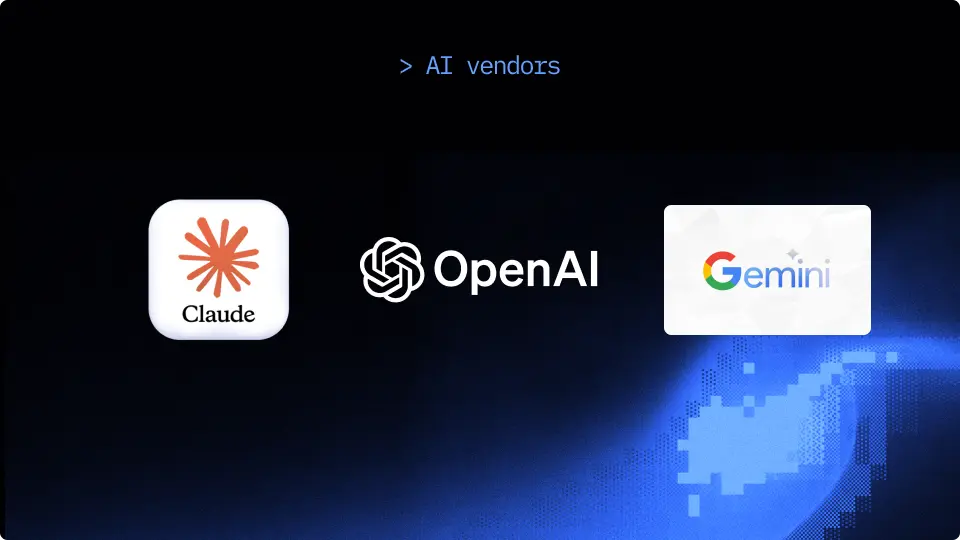
Often when companies ship AI enabled features they default to using APIs of well-known AI companies. While those companies have features data from being used in training without consent, the data is provided to a 3rd party. In an ideal world, data never leaves your area of control.
By running open source models ourselves, there is no risk of script contents leaking to external vendors. There's no chance of customer data showing up in a training set.
When you send JavaScript to a third-party API, you're trusting that vendor's data handling policies which change actively over time.
cside understands the security requirements and what it takes to keep your data safe. You can verify our security posture yourself on our Trust Center, where we publish our SOC 2 Type II, pen-tests and PCI DSS AOC documentation.
How cside uses AI: 4 core applications
Here's where the AI actually runs in our product.
1. Analyzing scripts for malicious intent
Every script that loads on your site gets analyzed in its original form and after deobfuscation both. The LLM looks for patterns that indicate malicious behaviors:
- Theft of session tokens
- Unauthorized data interception and exfiltration
- Credential harvesting
- Tampering with payment forms
This applies to clean-looking scripts just as much as more alarming ones. Whether in the primary JavaScript chunk or a small sub-request.
The AI catches both. It understands context in a way that regex-based detections simply can't. And unlike scanners, CSP or agent-based products, we're analyzing the actual payload your users receives, we know it is exactly what the user got. We're not just checking against threat-feed intel or waiting for client-side traps to trigger although we of course also use those methods as layers in our detection engine.
The AI layer in our detection engine is only one of many different layers, but AI can be highly effective at detecting hidden malicious behaviors.
2. Script business reasoning
- Should this chat widget have access to form data?
- Why is this analytics script on your payment page?
- Does this marketing tool need to run as part of the checkout process?
We provide an LLM generated business reason, which is a compliance requirement for some frameworks.
This saves teams hours of investigation: instead of reviewing every script hash change or trying to find who added it, you get a plain-language explanation of what each script is doing.
3. Explaining changes over time
Scripts don't stay static. Many update constantly. Last week, script X performed actions related to analytics. This week, it's also accessing localStorage and making requests to a new registered domain pointing at a resident IP address.
What changed, and does it matter?
cside's AI generates human readable explanations for script changes. You don't need to be a security researcher to understand what happened between changes. The platform tells you exactly what is different and whether it raises concerns.
This is highly useful for compliance audits. When an auditor asks about script behavior over the past six months, you have documented, timestamped explanations ready to go. Our 100% historical tracking means nothing gets lost.
4. AI for PCI DSS 4.0.1 compliance automation
PCI DSS 4.0.1 requirements 6.4.3 and 11.6.1 mandate ongoing review of scripts on payment pages. Most teams handle this manually: loading the page, inspecting the scripts, documenting everything, and repeating the process weekly or monthly.
With PCI Shield, the AI handles the review automatically. Every script change on payment pages gets analyzed. If the change looks benign, no action is required. If it shows signs of malicious behavior, you get an alert with a full breakdown of what happened.
This approach has been validated by VikingCloud, who confirmed that cside meets PCI DSS 4.0.1 requirements 6.4.3 and 11.6.1 when deployed correctly. You can read the full report or download it from our Trust Center.
That's more than convenience, it's the difference between reactive incident response and proactive threat prevention.
Flexibility is the answer
We understand that not every organization is ready to adopt AI across their entire tech stack. Some have internal policies against AI use. Others want to evaluate it on a case by case basis.
That's why all of our AI features can be disabled. The overlay is there if you want it, but it's not mandatory to run cside.
You still get full payload visibility, real-time blocking, historical tracking, and compliance reporting without AI.
Whether you're using the Script Method or the Scan Method, the platform delivers complete script visibility and fail-open design. AI is an enhancement and for teams that can use it, the AI layer makes everything faster and more accurate.
Why this matters now
Client-side attacks are getting more sophisticated. Attackers know that the server-side and your static open source dependencies are closely being monitored. So they've adjusted their attack surface and are:
- Using dynamic client-side scripts that change based on user context, avoiding detection by static scans.
- Heavily obfuscating scripts to avoid static analysis.
- Exploiting the gap between what the browser spec allows and how the browser is actually built.
Check-box tools can't keep up. CSP violations do not tell you what's inside a script and are tough to manage. Crawlers get served clean payloads while real users see malicious ones. Behavioral monitoring only catches attacks after they've already executed and are prone to bypassing methods.
AI-based detection, combined with other methods, has the best chance: it analyzes behavior in real time, understands obfuscated code even when deobfuscation fails, and flags anomalies that pattern-matching would miss.
Self-hosted models, isolated infrastructure, and no data sharing with third parties. That's how you get the benefits of AI without introducing new risks or facing internal pushback.
Ready to check cside out? Start for free or book a demo to have a chat with our team.