If your platform manages 70 or more casino brands, Google Tag Manager is almost certainly running on every domain. And across those domains, the number of active container IDs that your security team has formally reviewed is probably much smaller than the number actually executing in players' browsers. That gap is the shadow GTM problem. In Q1 2025, cside detected over 300,000 attack signals across monitored sites, with unauthorised script execution via tag managers representing one of the most consistent attack vectors in the iGaming segment. In working with multi-brand gambling operators, I have seen this gap between the containers security teams know about and the containers actually executing in players' browsers grow wider with every brand added to a portfolio.
What a GTM Container Actually Is and Why It Matters to Security
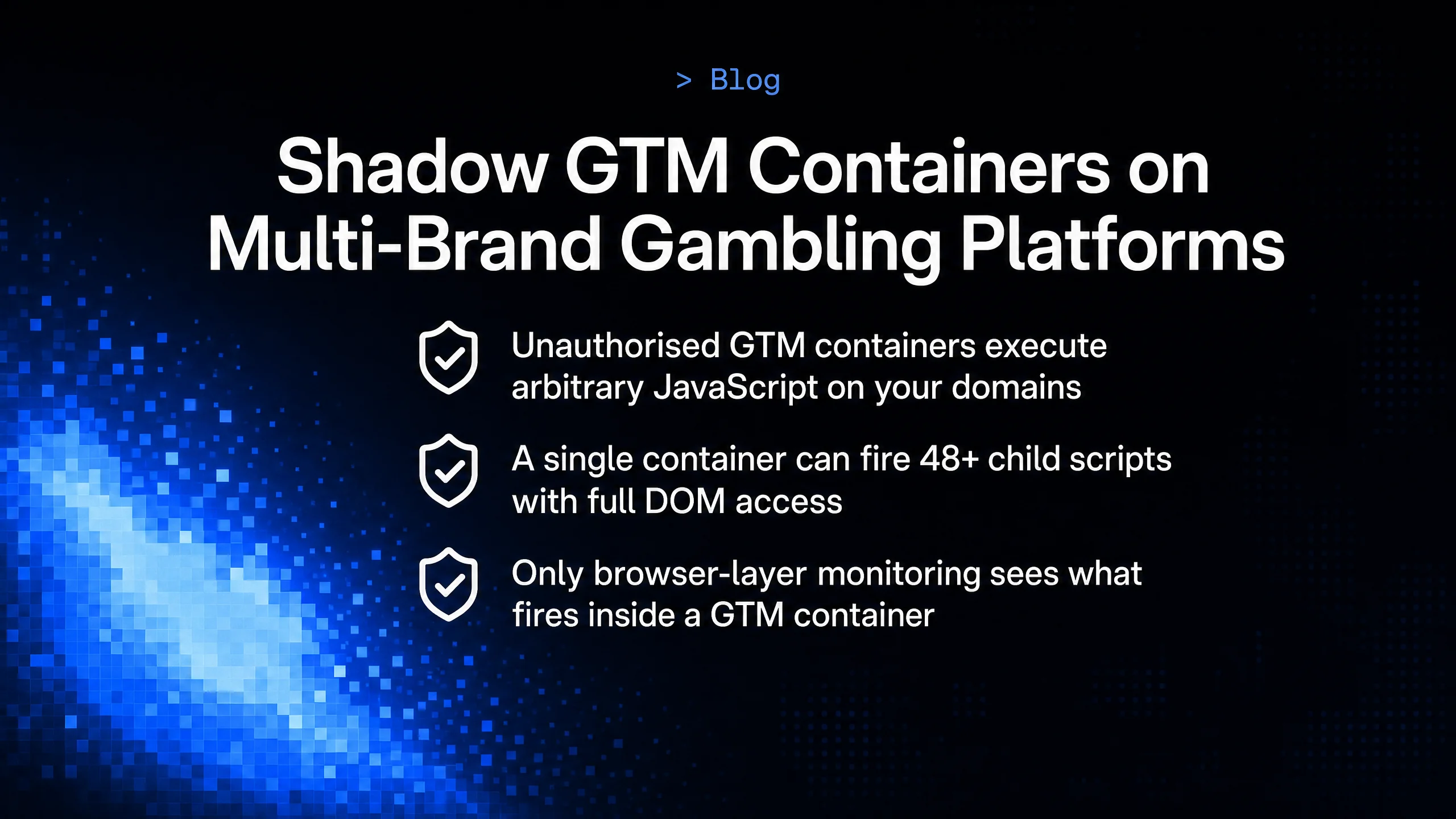
Quick Answer: A Google Tag Manager container is a JavaScript execution environment loaded onto your domain with full access to the DOM, cookies, browser storage, and network requests. Any tag published inside that container runs with the same permissions as your own first-party code. An unauthorised container ID on your domain is equivalent to granting an unknown party write access to your player-facing interface.**
Google Tag Manager is designed to let non-developers deploy JavaScript to live websites without engineering involvement. That is its core value proposition for marketing and analytics teams. From a security standpoint, that same feature means a single container ID in a site template is an open execution context for anyone with publishing rights to that container. To illustrate the scale of the problem: a single GTM container can fire 48 or more child scripts, and each of those scripts can load further dependencies. The vendor load chain is a tree, not a list, and most security teams are only aware of the root.
When security teams audit their attack surface, they typically focus on:
- Server-side infrastructure and APIs
- Authentication and session management
- Known third-party scripts in the codebase
What rarely gets audited is the GTM container inventory itself: which container IDs are active across which domains, who has publishing access, and what tags are currently configured to fire. For a multi-brand platform with 70 to 200 domains, this inventory is almost never maintained with security rigour.
The ENISA Threat Landscape for Supply Chain Attacks identifies third-party script and dependency compromise as one of the primary escalating attack categories. GTM containers sit at the centre of this risk because they are simultaneously trusted by the browser, controlled by non-security personnel, and capable of executing arbitrary code. For a broader view of how third-party dependencies become attack vectors before they reach your tag manager, the supply chain attack pattern is worth understanding in its own right.
How Shadow GTM Containers Appear on Gambling Platforms
Quick Answer: Shadow containers reach iGaming domains through four main routes: affiliate teams embedding their own container IDs during campaign setup, agency staff adding containers to new brand launches without engineering review, compromised credentials giving attackers access to the GTM account, and developer shortcuts where a test container ID gets promoted to production and never removed.**
The term "shadow" does not necessarily imply malicious intent at the point of insertion. Many shadow containers start as legitimate operational decisions that were never cleaned up or reviewed. But they create persistent, unmonitored execution contexts that can be exploited long after their original purpose ended.
Here are the four most common origins observed on multi-brand iGaming platforms:
-
Affiliate team container adds: a performance marketing team agrees a deal with an affiliate network that requires a pixel fired via GTM. The affiliate provides their own container ID. Marketing adds it directly to the domain template without raising a security ticket. The container fires on all player-facing pages from that point forward.
-
New brand launches: during a fast-moving brand launch, an agency or developer adds a temporary GTM container to prototype analytics and tracking. Post-launch, the container remains active because no one owns the decommissioning task.
-
Compromised GTM credentials: a threat actor gains access to an existing authorised GTM container through a phished marketing contractor or a credential stuffing attack on a Google account linked to the container. They publish a new malicious tag within an already-trusted container.
-
Developer shortcuts: a QA or staging container ID gets hard-coded into a shared template during a site build. When the template goes live across multiple domains, the staging container goes with it, and staging containers typically have less-controlled publish access.
In all of these cases, the platform's network logs show the same entry: a successful GET request to www.googletagmanager.com/gtm.js?id=GTM-XXXXXXX. The container ID is visible in the URL but is not cross-referenced against an approved inventory in any automated way.
What Can Execute Inside an Unauthorised Container
Quick Answer: Inside an unauthorised GTM container, an attacker can deploy pixel scripts that exfiltrate player PII to third-party ad networks, inject redirect code that diverts players to competitor sites, install form-field skimmers on deposit pages, execute shadow affiliate tracking that hijacks conversion attribution, or load additional malicious payloads from external domains, all with no server-side footprint.**
The range of payloads a GTM container can deliver is limited only by what JavaScript can do in the browser. In practice, four payload categories are most relevant to iGaming platforms.
First, shadow tracking pixels. A container can fire Facebook, TikTok, or LinkedIn pixel events with non-first-party pixel IDs. For a gambling operator who cannot legally advertise on these platforms, this is both a GDPR violation and an advertising policy breach, and the operator may be completely unaware it is happening.
Second, player redirect scripts. As detailed in the context of player journey hijacking, a custom HTML tag inside a GTM container can intercept click events on deposit buttons, login forms, or bonus CTAs and redirect players to a competitor destination. The container's built-in trigger system makes it straightforward to limit this to specific pages, devices, or user segments.
Third, form field skimmers. On deposit or KYC pages where players enter card details or identity documents, a GTM tag can attach event listeners to input fields and exfiltrate entered values to a remote endpoint. This is a browser-layer equivalent of Magecart-style attacks, executed without touching server-side code.
Fourth, loader scripts. A container tag can load additional external JavaScript files, effectively turning the GTM container into a first-stage payload dropper. The domain serving the additional payload may not be on any blocklist at the time of loading, making network-layer detection unreliable.
Why Existing Tools Miss Shadow Container Activity
Quick Answer: Network monitoring tools and CDN-layer solutions see that GTM.js loaded successfully from Google's infrastructure. They do not see which container IDs were active, which tags fired within those containers, or what JavaScript those tags executed after loading. The attack surface lives entirely inside the browser's JavaScript runtime, after the network transaction is complete.**
This is the architectural gap that makes shadow GTM containers a persistent, under-addressed risk. The table below maps each common tool to what it can and cannot observe in a shadow GTM scenario.
| Tool category | What it CAN see | What it CANNOT see |
|---|---|---|
| Content Security Policy (CSP) | Whether scripts load from allowed domains | Which container ID is executing; what code runs inside an allowed domain |
| Web Application Firewall (WAF) | HTTP request/response headers and bodies | JavaScript executing inside a browser tab after page load |
| Network traffic analysis | That gtm.js loaded; container ID in the request URL | Which tags fired inside the container; what those tags executed; external resources loaded post-initialisation |
| Browser developer tools (manual) | Full runtime behaviour on a single domain at a point in time | Runtime behaviour across 70 to 200 domains continuously; dynamically published tag changes |
In our monitoring of multi-brand gambling platforms, the container ID gap is consistently wider than operators expect. Security teams often have formal records for fewer than half the container IDs we observe executing across their domain portfolios. The discrepancy grows with platform scale, and it grows faster than most governance processes can track.
The Sansec polyfill.js disclosure in June 2024, which affected over 490,000 sites, is an instructive parallel. Every one of those sites had loaded what appeared to be a legitimate, widely-used library from a trusted CDN. Network logs showed a successful, clean response. The malicious payload only became visible when someone looked at what the JavaScript was actually doing inside the browser. Shadow GTM containers follow the same pattern: the network layer reports a clean load from Google's infrastructure, and everything that follows is invisible without browser-layer instrumentation.
How cside Identifies Every Container and Every Script Across All Domains
Quick Answer: cside instruments 100% of real user sessions at the browser layer, meaning it sees every GTM container ID loading on every domain in your portfolio, every tag that fires within each container, and every script those tags execute or load. When a new container ID appears or a known container executes a new payload type, cside raises an alert in real time with full execution context.**
For multi-brand platforms, cside provides a unified script inventory across the entire domain portfolio. Rather than requiring a manual audit of each GTM account, the platform surfaces the runtime reality: what is actually executing in players' browsers, right now, on every domain.
Specific capabilities relevant to shadow GTM detection:
- Container ID enumeration: cside identifies every distinct GTM container ID observed loading across all monitored domains, flagging any that were not present in the previous inventory snapshot
- Tag execution mapping: for each container, cside maps which custom HTML tags and script-loading tags fire, and what external domains they contact
- New payload alerting: when a container that has been observed previously begins executing a new script pattern or contacting a new external domain, an alert is raised immediately
- Cross-domain correlation: if a shadow container ID appears across multiple domains simultaneously, cside identifies the pattern, which is useful for detecting coordinated attacks during new brand launches or affiliate campaign rollouts
- 100% session coverage: because cside instruments every session, not a sample, it captures attack conditions that only fire for specific user segments, devices, or geos
- Per-vendor permission profiles: once a shadow container is identified and brought under governance, operators can assign each GTM-loaded vendor its own permission profile with specific controllable capabilities. This means an analytics tag loaded through GTM can be restricted from accessing payment fields, the Payment Request API, or localStorage, even if the vendor's code is later compromised
cside does not rely on proxy-based monitoring or passively sampling network traffic. The instrumentation runs inside the browser, giving it the same vantage point as the scripts it monitors.
What the first monitoring session revealed
When we ran the first cside monitoring session on a major European multi-brand online gambling platform earlier this year, one of the first things the dashboard surfaced was a set of GTM container IDs that no one on the security team could account for. The platform operated over 70 casino and sports betting brands, and the security team believed they had a reasonable handle on their tag manager estate. What the browser-layer inventory showed was different. Within the first day of monitoring the initial brand domain, cside identified multiple active container IDs that had been added by the marketing team without going through any security review process. The containers had been loading on live player-facing pages for months.
The security team had not been notified because the marketing team did not know notification was required. There was no established process connecting tag manager changes to security oversight. Each container had been added in the context of a legitimate campaign or affiliate deal and had simply never been reviewed or removed. Within 24 hours of the monitoring session starting, the platform had its first complete runtime inventory of every container executing across the test domain, and a remediation plan was underway for the unreviewed containers. The platform's comment after the session: this was the first time they had ever seen their full browser-layer script estate in one place.
Summary
Shadow GTM containers are a governance failure that creates a security exposure. The containers arrive through normal operational channels, load from trusted Google infrastructure, and are invisible to every monitoring tool that does not run inside the browser. For multi-brand platforms, the only reliable approach is continuous browser-layer instrumentation that maintains a live inventory of every container ID, every tag, and every script executing across the entire domain portfolio. A point-in-time audit will always be out of date by the time the next container is added. cside's client-side security capability provides this continuous inventory, and for more detail on how redirect payloads are delivered through these containers, see our guide to malicious script redirect attacks on casino platforms.