TL;DR: preventing JavaScript injection
- Several doors, one room: Injection prevention is not one task. Some doors are bugs in your own code; most are scripts you deliberately loaded that later changed. Both end with attacker code running at your page's privileges.
- The five steps: Close the XSS class with output encoding, safe DOM sinks and Trusted Types; constrain sources with a nonce-based CSP; pin static dependencies with SRI; shrink the dependency tree; then monitor what actually ran.
- Why the last step is not optional: CSP and SRI cannot cover a trusted script that changes behind an allowlisted origin. Real-session payload inspection is what closes that gap.
Short on time? See cside client-side security. It covers everything below in one deployment.
Preventing JavaScript injection is not one task. It is closing several different doors that all lead to the same room: attacker-controlled code running in your visitors' browsers with the full privileges of your own page. Some of those doors are bugs in your code. Most of them are scripts you deliberately loaded that later turned hostile. This guide walks through the controls that actually reduce the risk, in the order that gives you the most protection for the least effort, and is honest about where each control stops.
If you want the background first, what JavaScript injection is covers the mechanism and every path foreign code takes into a page. This post is the practical follow-on: what to do about it.
How to prevent JavaScript injection, in short
- Close the XSS class in your own code. Encode on output, use safe DOM sinks, sanitize untrusted HTML, and enable Trusted Types.
- Constrain where script can come from. A strict, nonce-based Content Security Policy blocks unauthorized script origins.
- Pin what you can. Subresource Integrity freezes static third-party dependencies to a known hash.
- Shrink the dependency tree. Every third-party script you remove is one fewer injection path.
- Monitor the runtime. Watch every script that executes in real browser sessions, because prevention cannot reach a trusted vendor's compromise.
The injection paths you are defending against
Prevention only makes sense once you know what you are preventing. JavaScript gets injected along four broad paths, and each one calls for a different control:
| Injection path | How it happens | The control that helps |
|---|---|---|
| Cross-site scripting (XSS) | A flaw in your code lets attacker input execute as script | Output encoding, safe sinks, sanitization, Trusted Types |
| Compromised third-party script | A vendor whose tag you load ships malicious code | Dependency review, CSP, Subresource Integrity, runtime monitoring |
| Magecart / skimmers | Attackers plant card-stealing code on payment pages, often via a compromised dependency | Runtime payload monitoring on checkout, PCI DSS controls |
| Malicious extensions / client-side malware | Code is injected on the visitor's own machine, into every site they visit | Runtime detection; you cannot patch the visitor's browser |
The first path is a coding flaw you own and can fix. The rest are trust flaws: the code was invited in, or it lives on a machine you do not control. That split matters, because it explains why fixing your own code is necessary but never sufficient.
Step 1: Close the XSS class in your own code
Cross-site scripting is the one injection path that is entirely within your control, so start here. XSS happens when data a user supplies is written into the page in a place where the browser will treat it as code instead of text. The fixes are well understood:
- Encode on output, not just on input. The same string is safe in one context and dangerous in another, so encode data for the exact context where it lands: HTML body, HTML attribute, JavaScript, URL, or CSS. Context-aware output encoding is the single most effective XSS control.
- Use safe DOM sinks. Assign untrusted data with
textContentrather thaninnerHTML, and avoideval,document.write, andsetAttributeon event handlers. These "sinks" are where injected strings become executable. - Sanitize HTML you must render. When you genuinely need to render user-supplied HTML (a rich-text comment, for example), run it through a maintained sanitizer that strips script and event handlers, rather than writing your own filter.
- Turn on Trusted Types. Trusted Types make dangerous DOM sinks refuse plain strings at the browser level, so an injected payload cannot reach them even if a bug slips through code review. It is enforced through a CSP directive, which leads directly into the next step.
Fixing the XSS class removes the door an attacker opens by exploiting your code. It does nothing about the doors you opened yourself by loading someone else's script, which is where most modern client-side breaches actually come from.
Step 2: Constrain sources with a Content Security Policy
A Content Security Policy tells the browser which origins are allowed to load and execute script on your page. A strict, nonce-based CSP is one of the strongest single controls you can deploy against injection: script that is not from an allowlisted origin, and that does not carry the correct per-request nonce, simply does not run. Inline <script> blocks an attacker injects through an XSS hole are blocked by default.
Two practical notes. First, prefer nonces over host allowlists where you can; a broad script-src allowlist quietly re-opens paths you meant to close. Second, and this is the important limit: CSP allowlists origins, it does not judge behavior. Once you authorize a vendor's domain so their legitimate script can run, CSP has no way to tell whether that script is behaving or skimming your form. If the vendor is compromised at the source, their domain is still on your allowlist and the malicious version loads cleanly. CSP is necessary. It is not the whole answer.
Step 3: Pin static dependencies with Subresource Integrity
Subresource Integrity (SRI) lets you attach a cryptographic hash to a <script> or <link> tag. The browser computes the hash of the file it downloaded and refuses to execute it if the hash does not match, which means a static third-party file cannot be swapped for a tampered version without the change being blocked.
SRI is excellent for dependencies that do not change: a specific version of a library pinned to its exact hash. Its limit is the mirror image of that strength. It does nothing for scripts that are meant to update (most analytics, tag managers, and payment SDKs change their served file regularly), and it does nothing for scripts loaded dynamically by other scripts. Use SRI everywhere you can pin a version. Do not expect it to cover the parts of your stack that update themselves.
Step 4: Shrink and review the dependency tree
Every third-party script on your page is an injection path with full page privileges. The cheapest prevention available is to have fewer of them.
- Inventory what you actually load. Most teams are surprised by how many scripts run on a typical page, and by how many are loaded not directly but by another script (a tag manager loading a vendor loading another vendor).
- Remove what you do not need. An unused marketing pixel or an abandoned A/B testing tool is pure risk with no benefit. Deleting it removes an injection path outright.
- Minimize the tag-manager blast radius. A compromised tag-manager account can inject "just another tag" that looks routine. Restrict who can publish and review what they publish.
This step has no downside and no per-script control can substitute for it: a script that is not on the page cannot be the one that gets compromised.
Step 5: Monitor the runtime with real-session payload inspection
Steps one through four reduce probability. None of them can reach the case that causes the worst client-side breaches: a script you legitimately trust, from an origin you legitimately allowed, that turns malicious after it is already loaded. CSP passes it because the origin is allowlisted. SRI misses it because the script is designed to update. Your own code is clean. The only place left to catch it is where the injection actually lands, the browser, at the moment the script runs.
That is what runtime monitoring does. It builds an inventory of every script that executes in real user sessions, records what each one does and where it sends data, and alerts when a new script appears, a known script's code changes, or data starts flowing to an unexpected destination. This is the layer that catches Magecart-style skimmers and compromised-vendor attacks that every preventive control above waves through.
Server-side tools cannot provide this. A web application firewall or a server-side scan sees the HTML you shipped, not the payload a compromised vendor swaps in later or the code an extension injects on the visitor's machine. Detection has to happen at the browser layer, in real sessions.
Where cside fits: real-session script monitoring
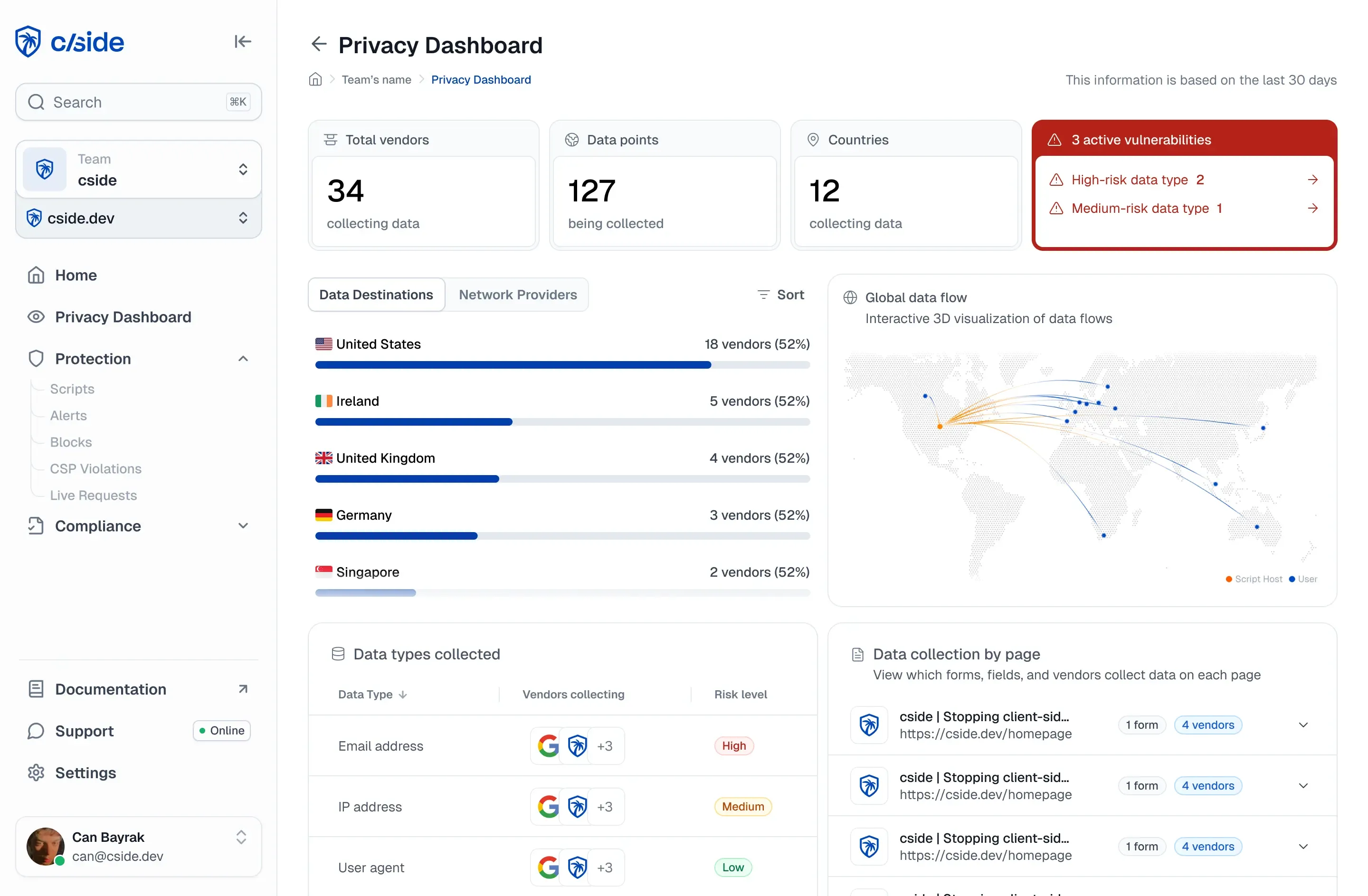
cside is a single first-party JavaScript snippet that provides the runtime layer of this checklist. It does not replace your CSP, your output encoding, or your SRI hashes, it is the control that watches what your allowlisted scripts actually do once they are running, which none of the others can see.
cside's script monitoring inventories every script that executes in real browser sessions, analyses the full script payload, and alerts on new domains, changed code, and unexpected data flows. It runs in two operating models: the Script Method fetches and analyses third-party scripts on cside's side before they execute in the session, and the Scan Method for teams that prefer a lighter footprint. It deploys as one script tag from your own origin, with no DNS change; cside fetches and analyses the third-party scripts your page loads, but it does not sit in front of your site's traffic and does not act as a proxy.
On payment pages this runtime inventory is also a compliance requirement. PCI DSS 4.0.1 requirements 6.4.3 and 11.6.1 exist precisely because injected payment-page script is invisible to every server-side control: 6.4.3 asks you to manage and authorize every script on your payment pages, and 11.6.1 asks you to detect unauthorized changes to those scripts and page headers. Real-session script monitoring is the direct answer to both.
Prevention checklist
Prevention of JavaScript injection is layered, and the layers do not overlap:
- Encode output and use safe DOM sinks to close the XSS class in your own code.
- Deploy a strict, nonce-based CSP to block unauthorized script origins.
- Add Subresource Integrity to pin static third-party dependencies.
- Shrink and review the dependency tree so there is less to compromise.
- Monitor real browser sessions so a trusted script that turns hostile is caught the moment it acts.
Get the first four right and you have closed most of the doors. Add the fifth and you can see the one door that prevention can never fully lock: the trusted vendor who is compromised after you let them in.