
TL;DR: DBSC vs device fingerprinting
- What DBSC covers: DBSC ties a session to hardware-held keys and is genuinely strong at stopping stolen-cookie replay, but it is Chrome-on-Windows only today, works only after login, and is deliberately engineered not to be a device-identity layer.
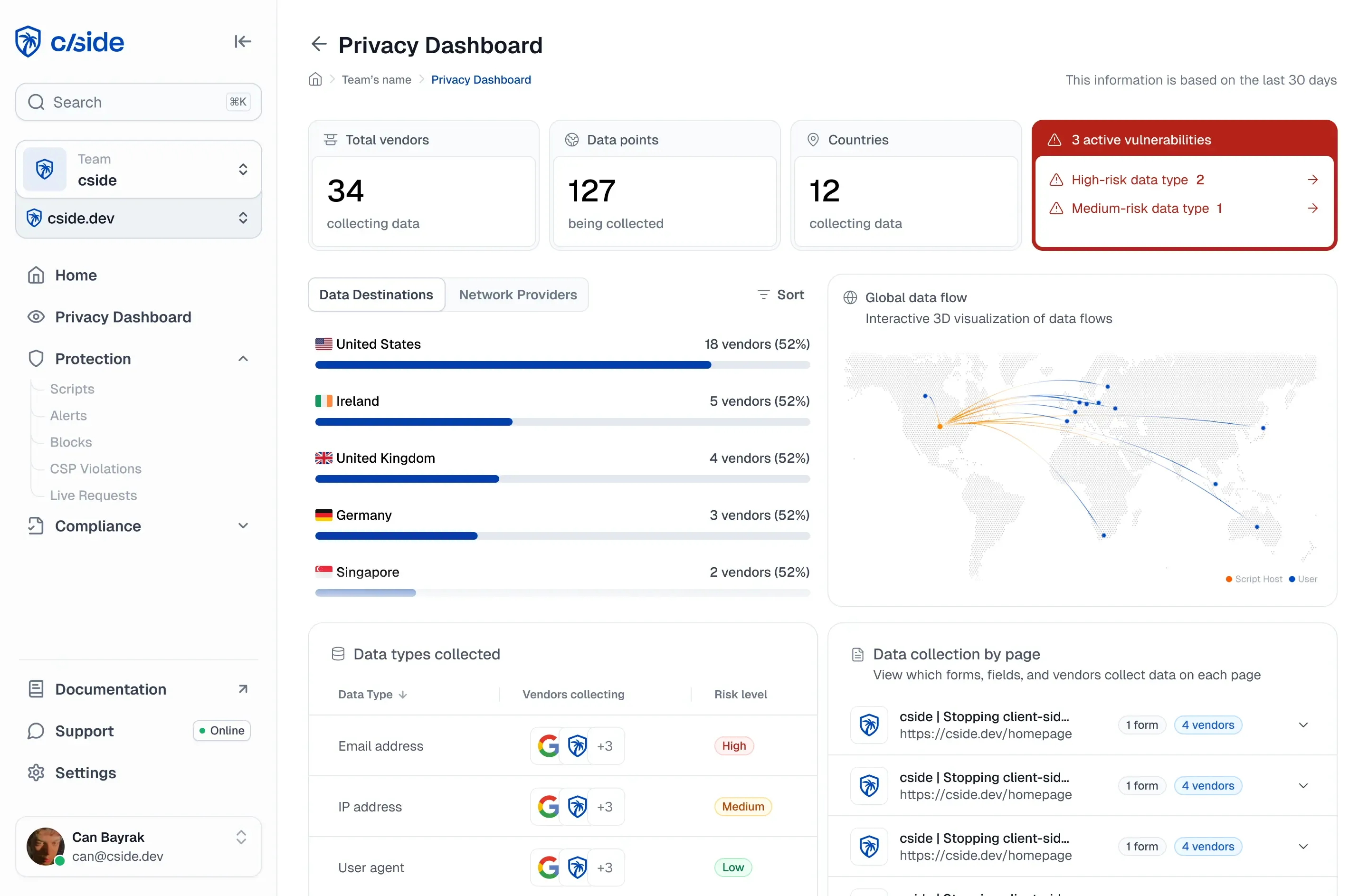
- How cside fingerprinting complements it: cside collects 250+ browser, device, and network signals on the first-party path to build a persistent identifier for every visitor in every browser, working at signup, login, checkout, and password reset where DBSC has no session to bind.
- Your call: deploy DBSC as free anti-cookie-theft for Chrome, then decide whether pre-login fraud, cross-account abuse, and device reputation on every browser are gaps you can leave open.
Short on time? See cside's device fingerprinting. It covers everything below in one deployment.
Quick answer: Deploy DBSC where you can. It is good, free protection against stolen-cookie replay on Chrome. But DBSC does one narrow job: it is Chrome-only, post-login, anti-theft rather than anti-fraud, and privacy-engineered to give you no device identity. Device fingerprinting answers a different question, and DBSC is deliberately built not to answer it. Treating DBSC as a replacement for fingerprinting is a category error.
Google's Device Bound Session Credentials (DBSC) reached general availability in Chrome 146 on Windows on 2026-04-10. The moment it shipped, a fair question landed on every fraud and security team: if Chrome now binds sessions to the device for free, why pay for fingerprinting at all?
The honest answer starts with a concession. For its one job, DBSC is genuinely strong, stronger than a fingerprint. The rest of this post is about everything that job does not include.
What DBSC is, now that it is GA
DBSC ties a session to a private key held in the device's secure hardware, a TPM on Windows or the Secure Enclave on macOS. The key cannot be exported. Roughly every five minutes, the browser proves it still holds that key, and only then does the server refresh a short-lived cookie. Steal the cookie and move it to another machine, and it dies, because the thief cannot reproduce the hardware-bound proof.
That closes the exact replay window that infostealer malware and adversary-in-the-middle phishing kits exploit at scale. For a deeper look at why the browser session became a control plane, see the browser session is now a security control plane.
Where DBSC is genuinely better
For making a stolen cookie useless on another device, hardware-crypto binding beats a fingerprint, and it is worth saying so plainly.
A fingerprint is observable signal. A determined attacker on a similar device can mimic enough of it to look like the victim. In our own testing, fingerprint-based bot defenses hard-invalidate automated replay but stay soft against a human attacker replaying a stolen cookie from a similar device. A TPM-bound private key has no such soft edge: it cannot be extracted, so the replay simply fails.
So cside does not claim to be better at stopping cookie theft. For that slice, it is not. Concede the point, then move up a level, because the level above is where most fraud actually lives.
DBSC vs device fingerprinting at a glance
| Attack or need | DBSC | Device fingerprinting (cside) |
|---|---|---|
| Stolen cookie replayed off-device | Strong: hardware key cannot be reproduced | Partial: detects the device shift, can be mimicked |
| Credential theft and phishing | None: binds the attacker's device too | Flags valid credentials on a brand-new device |
| Credential stuffing | None: operates after login | Detects automated and repeat-device patterns |
| New-account and synthetic fraud | None: no session exists yet | Works at signup |
| Bot signups, scraping, carding | None | Core use case, pre-auth |
| Cross-account and multi-accounting | None: keys are non-correlatable by design | Links devices across accounts |
| Device reputation and risk score | None | Yes |
| Browser coverage | Chrome on Windows today | Every browser, every visitor |
| Deployment | Server-side session re-architecture | Drop-in on the first-party script path |
| Visibility to attackers | Public, detectable protocol | Structurally invisible on the first-party path |
Why you still need device fingerprinting
DBSC binds whoever logs in, including the attacker
This is the point that matters most. DBSC defends against cookie theft, where malware grabs a session that already belongs to the victim. It does nothing against credential theft, phishing, or credential stuffing. If an attacker has the password, DBSC happily mints a clean, device-bound session on the attacker's device. The binding is real. It is just bound to the wrong person.
Fingerprinting is what catches the actual account-takeover path: valid credentials arriving from a brand-new device. DBSC blesses precisely the case fingerprinting is built to flag. For the full attack chain, see comparing solutions for account takeover prevention.
DBSC only works after login
Fraud happens before there is a session to bind. New-account fraud, synthetic identities, bot signups, credential-stuffing attempts, scraping, carding, and bonus abuse are all pre-authentication or cross-account events. There is no session credential to cryptographically bind yet, so DBSC has nothing to act on.
Fingerprinting works at signup, login, checkout, and password reset, the moments where pre-auth abuse is decided.
DBSC is engineered not to be a device-identity layer
This is a feature, not a gap. DBSC keys are per-session, per-origin, and deliberately non-correlatable, specifically so the mechanism cannot become a tracking or linking vector. That is good for users.
It is also a hard wall for fraud teams. DBSC will tell you "same browser as session start, yes or no," and nothing else. No device reputation. No "this device sits behind 50 accounts." No cross-account linking. No risk score. Even where DBSC is fully deployed, you still need a separate device-identification layer, because DBSC refuses to be one.
Coverage: Chrome on Windows today
DBSC is generally available in Chrome on Windows. macOS support using the Secure Enclave is still to come. Edge ran an origin trial with no general availability. Safari and Firefox are not shipping it. On iOS Safari and on Firefox, that is zero protection.
cside fingerprinting works in every browser, for every visitor, unsampled. It sees the real request on the real path regardless of which vendor ships what next.
Deployment reality
DBSC is not a toggle. Each site has to re-architect its server-side session layer: key registration, refresh endpoints, lifecycle handling, and fallbacks for unsupported browsers. That is why, a quarter after general availability, the public list of relying parties is essentially Google and Okta.
cside fingerprinting is a drop-in on the existing first-party JavaScript path. The timeline is weeks, not a multi-quarter security program.
The architectural difference: first-party, unsampled, no third-party origin
cside collects from its own first-party script, inside the session. Two things follow from that.
It is unsampled and universal. Every real visitor, on the actual payload delivered to real users, not a sampled slice from an SDK that some traffic never loads.
It has no third-party origin to block. There is no separate vendor SDK origin to grep for and no separate request to filter. When we tested major US banks and insurers, their device-identification ran first-party and stayed invisible to BuiltWith, Wappalyzer, and standard static scans. Only a real browser render revealed it.
DBSC is the opposite by design: a public, well-documented, detectable protocol. An attacker can see exactly when DBSC is in play and route around the cases it does not cover, a Safari session, a pre-login flow, or a fresh phished session on their own device.
Vendor control
"Just use the Google feature" means outsourcing your session-trust roadmap to Chrome's design choices and to browsers you do not control. The coverage, the privacy model, and the rollout schedule are all decided elsewhere. A browser-agnostic layer you own keeps that control in-house.
The right way to use DBSC and fingerprinting together
The credible position is complementary, not either-or.
Deploy DBSC where you can. It is good, free anti-cookie-theft for Chrome, and it carries a larger signal: the whole industry is moving to device-bound trust. That validates the thesis and tends to expand the budget for it.
Then cover what DBSC structurally cannot: every browser, pre-login through checkout, cross-account fraud, bot and AI-agent abuse, VPN and proxy detection, and chargeback evidence. The post-login attack that DBSC blesses is real, not theoretical: see how device code phishing bypasses MFA and what session-level signals catch. DBSC going GA does not close that gap. It makes the case for closing it.
What to do this week
- Turn on DBSC where your stack and your users' browsers support it. Treat it as free anti-cookie-theft for Chrome on Windows, not as your session-trust strategy.
- Add a browser-agnostic device layer that runs before login and across accounts, so signup fraud, credential stuffing, and new-device takeover are visible on every browser.
- Wire a device mismatch to an action. A fingerprint that does not match the baseline established at login should trigger step-up authentication or kill the session, not just log a line.
- Check your non-Chrome coverage. If iOS Safari and Firefox users have no device-aware session validation, that is where the next replay lands.
How cside fits
cside's device fingerprinting collects over 250 browser, device, and network signals on the first-party path to build a persistent identifier for every visitor, in every browser. It works before there is a session to bind, links devices across accounts, scores risk, and feeds a mismatch into your existing rules engine or identity provider.
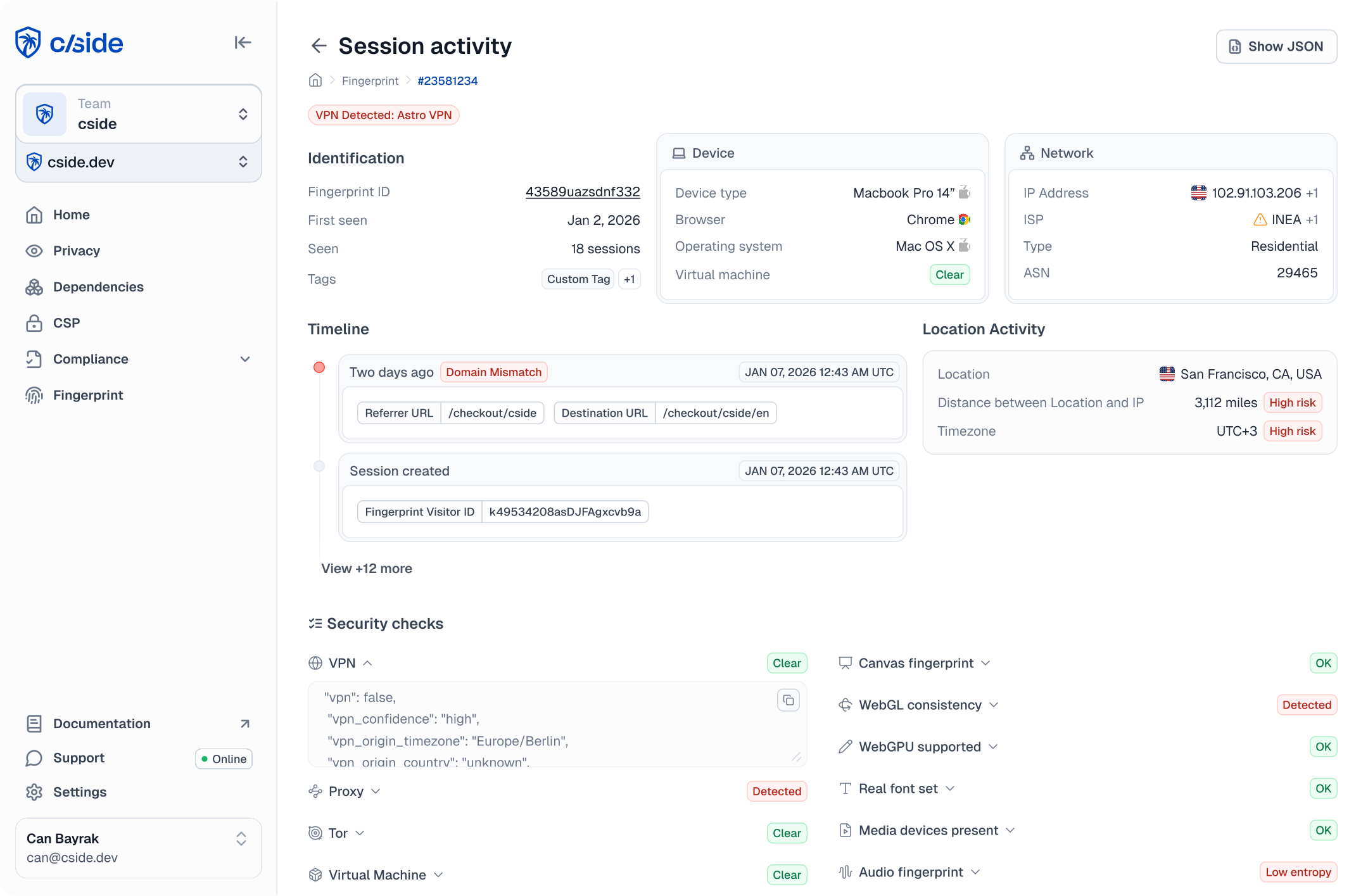
DBSC tells you whether the cookie came back from the same device. cside tells you who the device is, what it has done across your accounts, and whether to trust it, from the first request through checkout.
As of 2026-06-09. DBSC availability and browser support are changing quickly; verify current rollout status against Google and browser-vendor sources before relying on coverage.
Book a demo to see how cside covers the fraud DBSC was never built to stop.