Every website runs code it did not write. Analytics tags, payment widgets, chat tools, and font libraries all load JavaScript from external sources directly into your visitors' browsers. Once these scripts execute, they operate with the same privileges as your own code and can read form fields, access cookies, and send data to external servers.
The question is not whether you use third-party scripts. You do. The question is whether you understand what makes them a security risk. This article breaks down the root causes of third-party JavaScript security risks and explains why traditional server-side defenses miss them entirely.
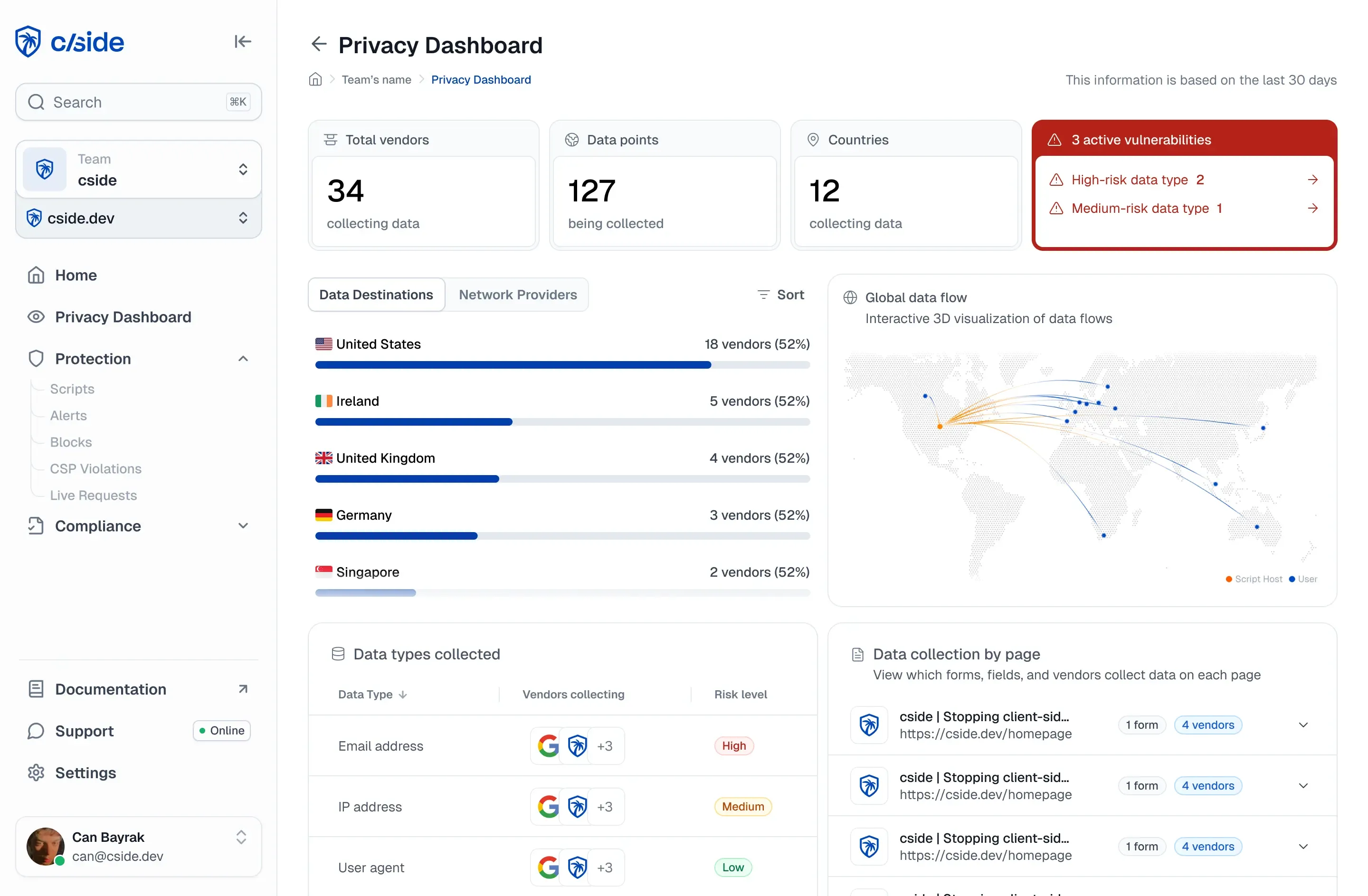
cside gives security teams real-time visibility into every script running in visitor browsers, catching threats that server-side tools never see.
Key Takeaways: What Causes Third-Party JavaScript Security Risks
- Third-party scripts execute with full DOM access, allowing them to read any form field or session data on the page.
- Supply chain compromises let attackers inject malicious code into trusted scripts, affecting thousands of websites simultaneously.
- Scripts can update silently without your knowledge, changing behavior between security audits and vulnerability scans.
- cside monitors script payloads in real time, detecting unauthorized changes before data exfiltration occurs.
- Traditional WAFs and server-side security tools cannot see what happens inside the browser after page delivery.
Why Do Third-Party Scripts Have Full Browser Access?
When you add a third-party script to your page, the browser treats it as trusted code. There is no permission system that restricts what external JavaScript can do once it loads. The script gains full access to the Document Object Model (DOM), including every input field, button, and piece of text on the page.
This design reflects how the web was built. Browsers assume that if you include a script, you intended to give it full access. The browser cannot distinguish between your analytics tag reading page metadata and a compromised script copying credit card numbers from a checkout form.
The OWASP Third Party JavaScript Management Cheat Sheet describes this as "execution of arbitrary code on client systems" and notes that third-party code runs with the exact same privileges granted to the user.
How Does the Supply Chain Create Security Exposure?
Third-party scripts create a supply chain that extends far beyond your direct vendors. A single analytics tag might load additional scripts from content delivery networks, advertising platforms, or partner services. Each link in this chain represents a potential entry point for attackers.
When attackers compromise a widely used JavaScript library or CDN, they can inject malicious code that spreads to every site loading that resource. The Polyfill[.]io incident in 2024 demonstrated this risk when attackers took over a CDN domain and served malicious code to more than 490,000 affected sites. More recently, the AppsFlyer Web SDK supply-chain compromise showed how a trusted analytics SDK could be weaponized to steal cryptocurrency from thousands of sites.
Your server delivers a clean page, but you do not control what a third-party vendor delivers afterward. If a vendor's infrastructure is compromised, every site loading that script inherits the attacker's code. This is exactly how Magecart campaigns compromise thousands of merchants at once. Following best practices for securing third-party scripts reduces this exposure, but only continuous monitoring closes it.
What Makes Script Behavior Difficult to Monitor?
Third-party scripts can change their behavior based on conditions that security tools rarely observe. A script might activate only for specific users, geographic regions, or time windows. Attackers design their payloads to target narrow segments while appearing harmless during routine security scans.
Crawlers and periodic scanners check script sources on a schedule. Between scans, scripts can update, change behavior, or introduce malicious functionality. The attacker controls when and how the payload executes, often waiting until conditions minimize detection risk.
cside addresses this gap by monitoring script behavior as it executes in real visitor sessions. Instead of checking script sources periodically, cside observes what scripts actually do in the browser runtime. This approach catches conditional attacks that evade traditional scanning tools.
Why Do Server-Side Security Tools Miss Client-Side Threats?
Firewalls, web application firewalls, and server monitoring tools protect your infrastructure from network-based attacks. They inspect traffic at the server boundary and log requests to your APIs. But they cannot see what happens inside your visitors' browsers after you deliver a page.
Third-party scripts execute entirely on the client side. They can read form inputs, access browser storage, and send data to external domains without making any request to your server. Your WAF sees nothing unusual because the attack happens in an environment your server-side tools cannot reach.
According to industry data, the majority of credit card theft now happens on the client side rather than through server breaches. Security teams with robust server-side defenses remain vulnerable to browser-based attacks because their monitoring stops at the wrong boundary.
How Do Permissions and Excessive Access Create Vulnerabilities?
Most third-party scripts request far more access than they need for their stated function. An analytics tag that should only track page views might have the technical capability to read every form field on your site. A chat widget designed for customer support could theoretically access payment information on checkout pages.
This excessive access becomes a vulnerability when scripts are compromised or when vendors make unauthorized changes. A script that originally collected anonymous usage data might be updated to capture personally identifiable information. Without visibility into actual script behavior, you cannot detect when a trusted vendor oversteps its intended function.
The cside platform inventories every script on your pages and monitors the data each one accesses. This visibility lets you enforce the principle of least privilege for client-side code and detect when scripts exceed their expected scope.
What Role Does Obfuscation Play in Hiding Malicious Code?
Many third-party scripts are minified or obfuscated to reduce file size and protect intellectual property. While these practices serve legitimate purposes, they also make security review difficult. A few lines of malicious code can hide within thousands of characters of compressed JavaScript.
Attackers exploit obfuscation to conceal their payloads. They encode data exfiltration logic, disguise communication with command servers, and use techniques that make static code analysis ineffective. Even security teams with access to the raw JavaScript cannot easily determine what obfuscated code will do at runtime.
cside uses AI-powered analysis to de-obfuscate scripts and identify suspicious behavior patterns. Rather than relying on code review alone, the platform observes actual script execution and flags unexpected actions like outbound data transfers to unknown domains.
How Does Limited Visibility Into Script Inventory Increase Risk?
Many organizations cannot answer basic questions about their client-side code. How many third-party scripts run on your checkout page? Which vendors have access to customer payment information? When did each script last change?
Without a complete inventory, you cannot assess your exposure or detect unauthorized additions. Tag managers and indirect script loading make this problem worse by dynamically fetching code that does not appear in your source files. A marketing team member might add a new tracking pixel through a tag manager interface without involving the security team.
PCI DSS 4.0.1 requirements 6.4.3 and 11.6.1 now mandate that organizations maintain a complete, authorized inventory of all scripts on payment pages and monitor for unauthorized changes. cside automates this compliance requirement by continuously discovering and cataloging every script across your web properties.
In Conclusion: Addressing the Root Causes of Third-Party JavaScript Risks
Third-party JavaScript creates browser security risks through a combination of implicit trust, supply chain exposure, excessive permissions, and limited visibility. These root causes operate in the browser, outside the reach of traditional server-side security tools. Addressing them requires monitoring that operates where the threats execute.
The path forward involves understanding what scripts run on your pages, what data they access, and how their behavior changes over time. With real-time client-side monitoring, you can detect compromised scripts, enforce access policies, and maintain the visibility that compliance frameworks now require.