
TL;DR: Braintree PCI DSS compliance
- PayPal Braintree handles PCI DSS Level 1 compliance for the card processing, similar to Stripe. Merchants using Braintree Hosted Fields or Drop-in UI reduce their scope significantly.
- Merchants still own PCI DSS 4.0.1 requirements 6.4.3 and 11.6.1 on their own page even when Braintree processes the card. Both requirements apply as long as your domain loads any script on the payment page.
- SAQ-A merchants using Braintree still need script inventory and payment-page tamper detection. cside's free tier meets both requirements at zero cost for eligible merchants.
Short on time? See cside PCI Shield. It covers everything below in one deployment.
Yes, PayPal (and Braintree) is PCI DSS compliant as a Level 1 Service Provider but depending on your integration, you are still required to complete an annual SAQ to be PCI compliant yourself. It depends on how you integrate PayPal into your business. Here's how:
The Payment Card Industry Data Security Standard (PCI DSS) is a set of security standards designed to protect card information during and after a financial transaction. Compliance involves adhering to 12 requirements, ranging from installing and maintaining a secure network to having an inventory of third party scripts running on your web pages (PCI 6.4.3 and 11.6.1).
How to be compliant using PayPal
According to PayPal's official guidelines, your PCI DSS compliance requirements depend on how your business handles payment data. If you redirect users to PayPal's hosted checkout, your PCI scope is minimal (SAQ A). However, if you process raw card data, you must complete SAQ D and follow stricter security controls.
There are three main ways businesses use PayPal:
| Integration Type | PCI Scope | SAQ Required |
|---|---|---|
| PayPal Standard, Express Checkout, or Smart Button (redirect to PayPal) | Minimal - No cardholder data on your servers | SAQ A |
| PayPal advanced Braintree drop-in UI* | Minimal - Hosted fields, no cardholder data on your servers* | SAQ A* |
| Direct API integration (PayPal Pro, Braintree, API or storing card data) | High - Cardholder data passes through your server | SAQ D |
*You now need to monitor dependencies on payment pages, more below.
- If you redirect users to PayPal's hosted checkout, you qualify for SAQ A.
- If you use hosted fields (e.g., Braintree Drop-in UI), you qualify for SAQ A.
- If you collect and store cardholder data, you must complete SAQ D and implement full PCI controls.
If your business processes or stores cardholder data (SAQ D), you must:
- Implement strong encryption for payment data.
- Set up firewall and access control policies.
- Conduct quarterly network scans with an Approved Scanning Vendor (ASV).
- Complete a full PCI DSS audit if you're a Level 1 merchant (6M+ transactions/year).
Braintree is owned by PayPal and operates as its subsidiary. This relationship has a direct impact on PCI compliance, depending on which PayPal or Braintree product you use. Braintree provides more direct payment processing options, which means you might need SAQ D if card data interacts with your servers.
*Monitoring dependencies for SAQ A compliance
As per the January 2025 update, the PCI Security Standards Council emphasized the importance of monitoring dependencies. This includes both first-party and third-party scripts on websites. This update requires merchants to ensure their sites are not susceptible to attacks originating from these scripts.
See PayPal's documentation on PCI DSS here.
Related reading: our PCI DSS 6.4.3 and 11.6.1 compliance guide · Stripe's PCI DSS shared responsibilities
Determine your PCI compliance level
| Level | Criteria | Validation Requirement |
|---|---|---|
| Level 1 | Over 6 million transactions annually | Full onsite audit by a QSA + SAQ D |
| Level 2 | 1 to 6 million transactions annually | SAQ A, SAQ A-EP, or SAQ D + Attestation of Compliance (AOC) |
| Level 3 | 20,000 to 1 million online transactions annually | SAQ A, SAQ A-EP, or SAQ D + Attestation of Compliance (AOC) |
| Level 4 | Less than 20,000 online transaction OR up to 1 million total transactions | SAQ A, SAQ A-EP, or SAQ D + Attestation of Compliance (AOC) |
- Level 1 = Must do a ROC (Full PCI DSS Assessment with Full Report on Compliance by QSA)
- Level 2 = Must do at least an SAQ with third party QSA or ISA attestation
- Level 3 = Must do SAQ
- Level 4 = Optional
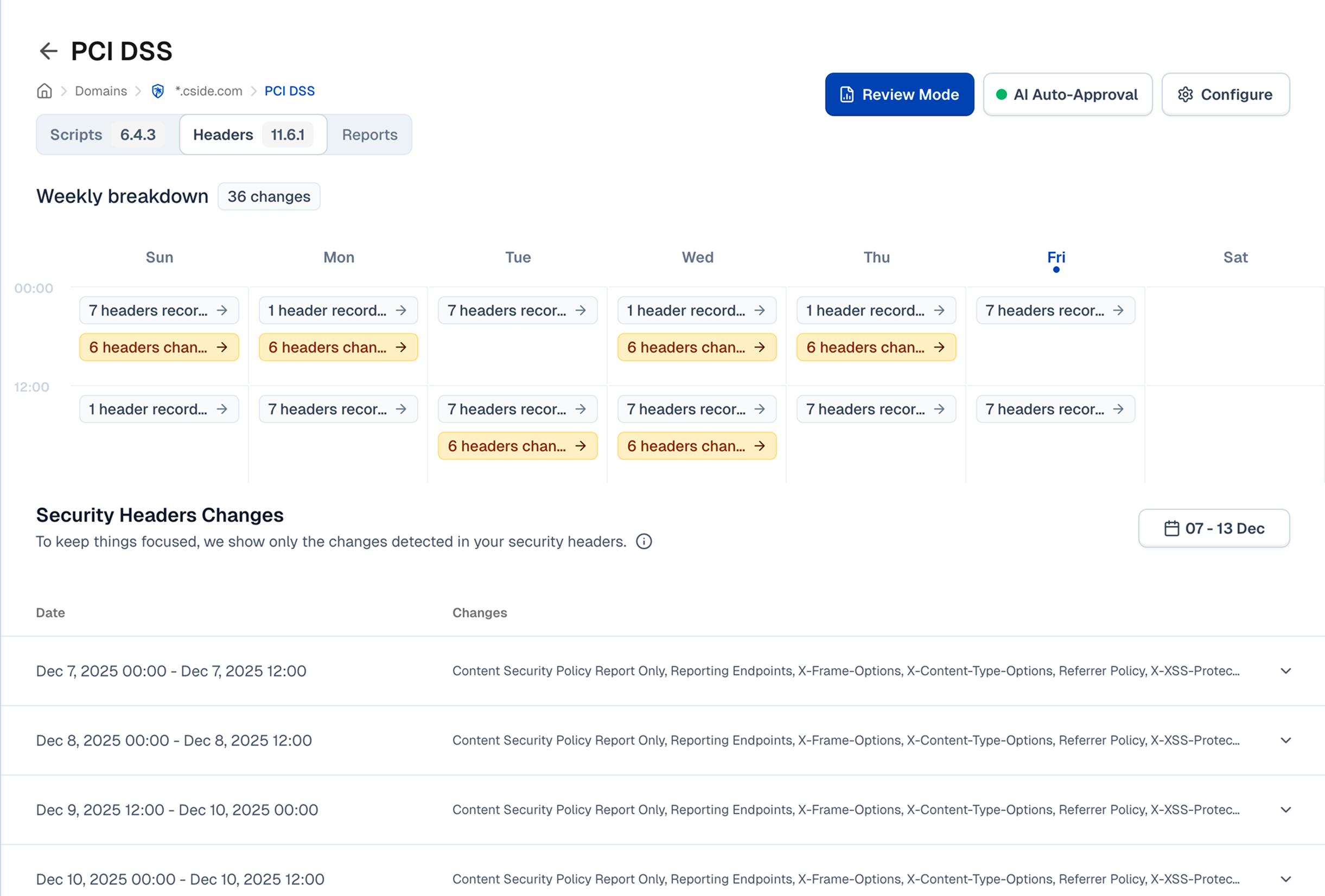
Submit PCI compliance certification
For SAQ A merchants:
- Complete SAQ A via PayPal's PCI compliance portal.
- Ensure no scripts interfere with PayPal's hosted fields.
- Keep documentation for annual reviews.
For SAQ D merchants:
- Conduct quarterly network scans via an Approved Scanning Vendor (ASV).
- Implement PCI security controls (firewall, encryption, access control).
- Undergo an onsite QSA audit if required.
Once you've identified the correct SAQ based on your integration method, complete it thoroughly. PayPal's compliance portal walks merchants through the SAQ submission process for each integration type.



