The best Magecart detection tool for PCI DSS is the one whose output a QSA will accept as evidence. Detection that only blocks or only alerts is not enough. Requirements 6.4.3 and 11.6.1 ask you to prove four things over time: that you know every script on your payment page, that each one is authorized, that you are alerted when one changes without approval, and that you can show the history.
That reframes the buying decision. Shop for a system of record that turns a browser-layer event into an inventory entry, an authorization decision, a tamper alert, and a retained change log, not just the loudest skimmer alarm. Most "Magecart detection" marketing speaks to the catch. The audit asks for the paper trail behind the catch.
This post evaluates detection tooling through that PCI-evidence lens. It does not rank named vendors or quote specs. It tells you which evidence artifact each capability category produces, where each category leaves a gap, and what to demand in a trial. PCI DSS 4.0.1 made 6.4.3 and 11.6.1 mandatory on 2025-03-31, so the evidence question is live now, not at next renewal. If your stack already covers known-bad threats, the gap is usually the documentation, which is why Magecart prevention and PCI evidence are now the same job.
What evidence does a QSA actually want from Magecart detection?
Map the requirement text to the artifact your tool must produce. These are the things an assessor opens during a 6.4.3/11.6.1 review.
| PCI evidence artifact | Requirement it answers | What "good" looks like |
|---|---|---|
| Script inventory | 6.4.3 (know what runs) | Every script on the payment page, including dynamically injected and third-party CDN scripts, captured as the browser sees them |
| Authorization record | 6.4.3 (justify each script) | A justification and an approval state per script, with who decided and when |
| Integrity / tamper alert | 11.6.1 (detect change) | An alert on unauthorized change to script content and to payment-page HTTP headers, with a diff |
| Change history | 6.4.3 + 11.6.1 (prove over time) | A durable, timestamped log of every script add, change, and removal, plus the disposition of each alert |
The trap is treating Magecart detection as a security feature and PCI as a separate checkbox. They are the same control. If the tool catches a skimmer but cannot show the assessor the inventory entry that script belonged to, the authorization state it violated, and the dated record of the alert and its closure, you caught the attack and still failed the audit on documentation.
Why a malware-signature comparison misses the PCI question
Most "best detection tool" lists compare on threat coverage: known-bad signatures, blocklists, malicious-domain feeds. That matters for blocking. It does not satisfy 6.4.3 or 11.6.1.
Supply-chain Magecart arrives through a script you already trust. The vendor's CDN serves a new version, the origin is on your allowlist, and the hash changes for a legitimate-looking reason. A signature engine sees nothing because the payload is novel and the source is permitted. The PCI control is designed for exactly this: 6.4.3 forces you to inventory and authorize that script in advance, and 11.6.1 forces you to alert when its content changes without approval. The evidence, not the signature, is what proves you would have caught the swap.
So evaluate detection on whether it produces the authorization-and-change record, not only on whether it recognizes today's known skimmers.
How to evaluate Magecart detection by capability category
Detection tools fall into a few architectural categories. Each produces different evidence and leaves a different gap. Score them on what they hand the assessor.
| Capability category | Inventory | Authorization record | Tamper alert (content + headers) | Change history | Primary evidence gap |
|---|---|---|---|---|---|
| External scanner (crawls from cloud IPs) | Partial, sees only what its crawler loads | Usually manual, bolted on | Periodic, can miss between scans | Snapshot-based | Misses session-specific, geo-targeted, and post-interaction scripts |
| CSP + SRI (browser-enforced policy) | No, it constrains rather than enumerates | No | Header policy only; SRI breaks on dynamic scripts | Violation reports, not an audit log | Generates control, not the inventory or authorization paperwork |
| Network/WAF script visibility | Partial, what traverses the edge | No | Header and known-bad blocking | Edge logs, not script-level history | No per-script authorization state for the QSA |
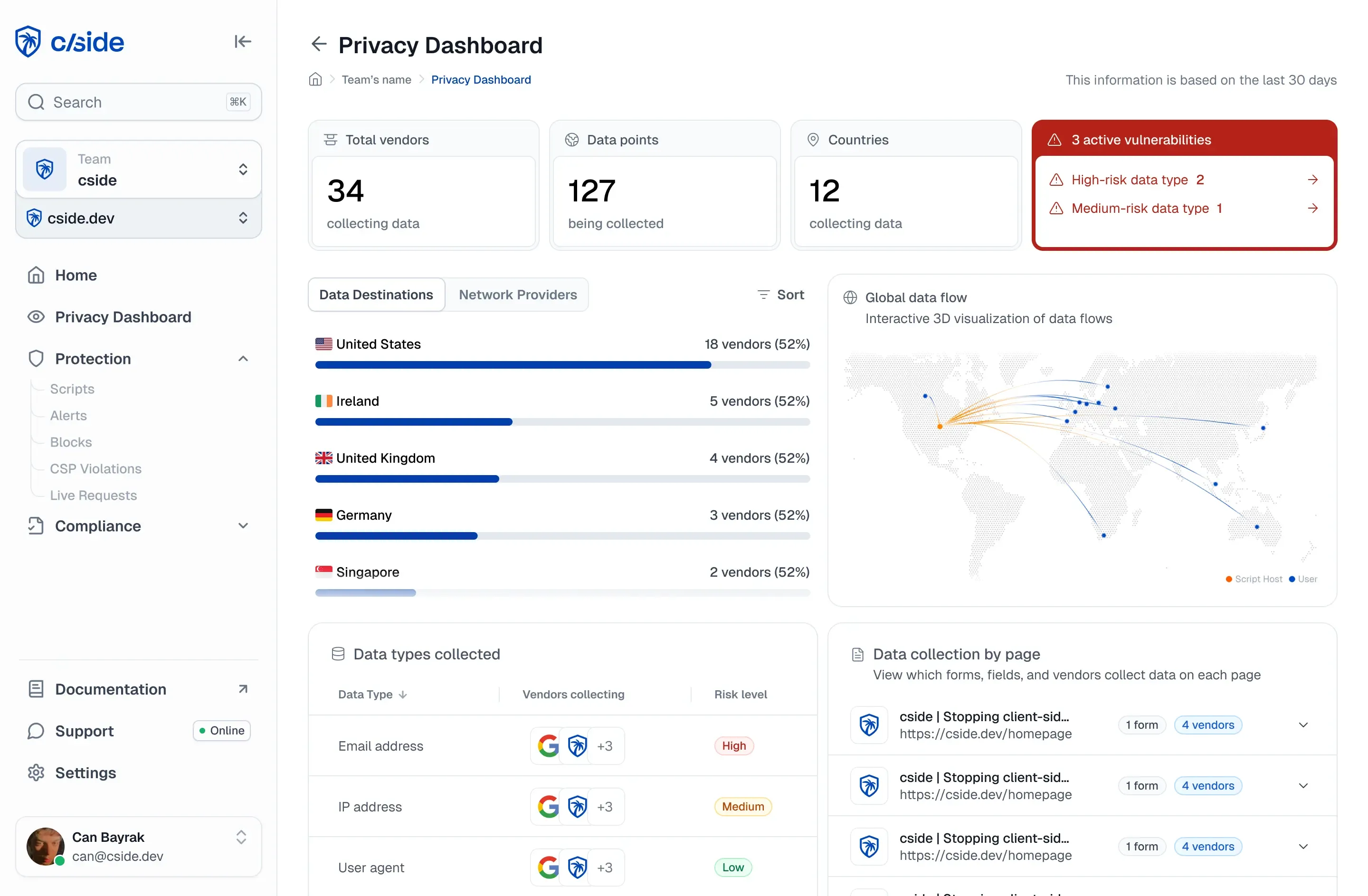
| Runtime browser monitoring (in-page agent) | Yes, captures scripts as the browser executes them | Yes, when the platform models approval state | Yes, content and header change, with diff | Yes, durable, timestamped per-script log | Requires a tag on the payment page |
Read the table as an evidence checklist, not a popularity contest. A scanner is fast to deploy and useful for a baseline, but a skimmer that only activates for real shoppers in one country can serve a clean page to the crawler's IP. CSP and SRI are real controls the PCI SSC names as valid mechanisms, but they produce policy and violation reports, not the script inventory and authorization records 6.4.3 asks for, and SRI's hashes break on the dynamic scripts most checkout flows depend on. The same brittleness is one reason Content Security Policy doesn't work as a standalone PCI answer. Runtime browser monitoring is the only category that produces all four artifacts on its own, because it observes the script the way the victim's browser does.
A procurement plan that tests for evidence, not features
Do not let a demo end at "look, it caught the bad script." Make the tool prove the paper trail.
- Stand up a staging copy of a real payment page and connect the tool.
- Push a benign change to one script, such as adding a comment or bumping a version, and confirm the tool flags it with a before/after diff, the affected page, and a timestamp.
- Modify a payment-page HTTP header and confirm 11.6.1 header-change detection fires, not only script-content detection.
- Record an authorization decision (approve one script, reject the change) and confirm that state is stored, attributed, and dated.
- Add a script that only loads for a specific session or geography and check whether the tool's inventory captures it. This is where external-scanner coverage fails, and a big part of why crawlers can't help with PCI compliance on their own.
- Export the inventory, the authorization records, and the change log. Read the export as the assessor will. If it is screenshots or an unlabeled alert feed, it is not evidence.
If a tool clears steps 2 through 6, it produces audit-ready 6.4.3/11.6.1 documentation. If it stops at step 2, you bought monitoring, not compliance.
Where cside fits in the evidence model
cside is a client-side security platform built for the runtime browser-monitoring category, and specifically for the evidence a QSA opens. It does not proxy traffic. A tag on the payment page captures scripts as the real browser executes them, which is what closes the scanner's session- and geo-targeting gap.
For 6.4.3, PCI Shield maintains a live inventory of every payment-page script, including dynamically injected and third-party CDN scripts, with a per-script authorization state. For 11.6.1, it alerts on unauthorized changes to script content and to payment-page HTTP headers, with a diff that shows exactly what changed. Every add, change, removal, and alert disposition lands in a timestamped change log you can export. cside underwent an independent QSA evaluation by VikingCloud for 6.4.3 and 11.6.1, so the evidence model has been assessed, not just asserted. Beyond the requirement, the platform adds browser-behavior monitoring and bot/AI-agent detection so the same instrumentation that produces your PCI record also surfaces the behavioral anomalies a novel skimmer creates.
As of 2026-06-18, treat this as operational guidance, not legal advice. Confirm the exact control language and what your assessor will accept as evidence with your QSA, counsel, or risk owner.