TL;DR: cside vs Report URI
- Report URI ingests browser CSP reports and helps you triage them. Genuinely useful for building a CSP policy. It does not analyze scripts, inventory them, detect tamper events, or preserve payloads.
- cside runs in 100% of real user sessions with no sampling, downloads every script for server-side analysis, archives raw payloads, and produces QSA-ready evidence for 6.4.3 and 11.6.1.
- Only need CSP violation reporting: Report URI is a solid low-cost option. Need the full 6.4.3 and 11.6.1 evidence pack: cside.
What is Report URI?
Report URI is a reporting platform that collects browser-generated security violation reports and helps teams monitor and fine-tune their web and email security policies. It primarily supports Content Security Policy (CSP) reporting, which is by far the most common use case next to their SMPT email security service.
How Report URI works
Businesses need to configure their HTTP security headers to point to their unique Report URI endpoint. For example, with a Content Security Policy (CSP), they include a report-uri or report-to directive in the header that tells browsers where to send violation data.
CSP is almost entirely what Report URI provides. While a commonly used security system, it's often not strong enough to handle client-side attacks.
A CSP acts like a firewall which only trusts pre-approved script sources, not their content. Should the source stay the same but the content changes, like in the biggest client-side attack of 2024 - Polyfill - a CSP won't catch it.
We wrote an in-depth article on Why CSP Doesn't Work about why CSP alone isn't enough for client-side security:
CSP operates on an allow-list model, which permits resources from trusted domains but cannot block individual scripts or resources from those domains.
Report URI doesn't block anything itself. It just receives reports from the browser and gives teams visibility into violations and misconfigurations. It all relies on native browser behavior.
Report URI also offers email security. SMTP-TLSRPT is a reporting standard that lets mail servers send reports about email transport encryption issues (i.e. STARTTLS failures). If you're using MTA-STS (Mail Transfer Agent Strict Transport Security), browsers or receiving servers can generate reports about delivery failures or downgrade attacks and send them to a specified endpoint.
So just like with CSP for browsers, you add a header (or DNS TXT record) to your mail domain that points to a Report URI endpoint, and it will collect and display those SMTP reports.
Report URI also supports other browser reporting mechanisms like Subresource Integrity (SRI) failures, Network Error Logging (NEL), Cross-Origin policies (COOP and COEP), and deprecated feature usage.
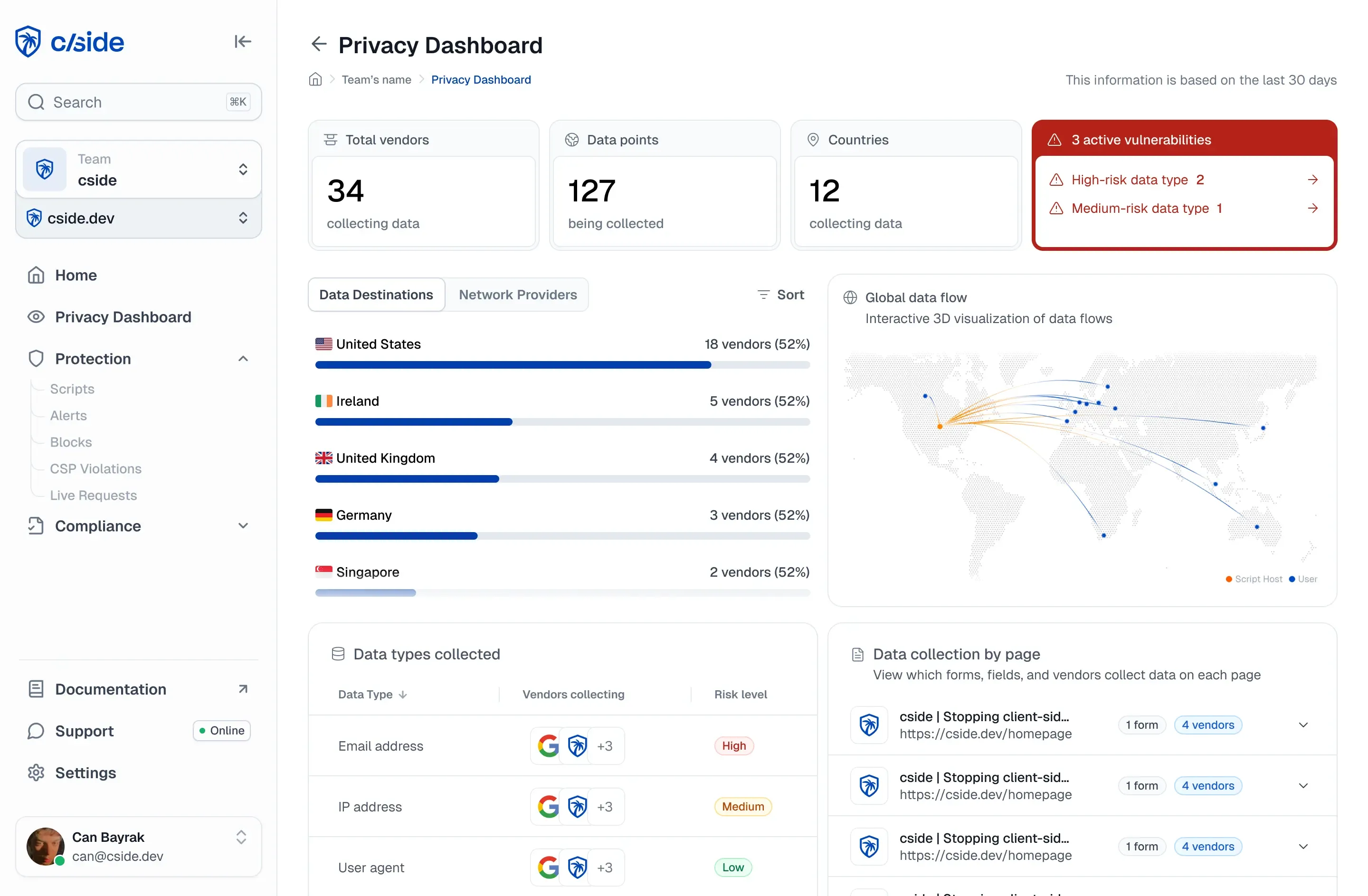
The most adjacent features to cside would be Report URI Script Watch, which tracks the presence and changes of third-party JavaScript on your site, and Data Watch, which detects when sensitive form fields may be exposed to third-party code.
How cside goes further
Report URI does one thing well: collecting and visualizing browser-generated security violation reports. But reporting is not protection. cside acts on the script itself, not just on the report.
When a CSP violation fires, the malicious script has already attempted to execute. Report URI gives you visibility into what your CSP blocked (or failed to block), but it can't analyze script payloads, detect novel threats, or stop attacks that slip past your policy rules. cside works at a different level. We fetch every script and analyse its actual code on our infrastructure, and blocks are enforced at runtime in the browser, alongside CSP.
Report URI is useful for policy tuning and monitoring. That's why cside includes a free CSP reporting endpoint as a built-in feature. You get everything Report URI offers for CSP violation collection, plus payload analysis, real-time blocking, and forensic archives on top.
For teams that need more than visibility, cside provides the prevention layer that Report URI was never designed to be. We keep immutable records of every script version served to users, giving incident response teams and PCI DSS auditors the actual attack code.
cside also publishes a public status page at status.cside.com, a public trust portal at trust.cside.com, and a 99.9% uptime SLA, so you can verify our reliability and incident history for yourself. Report URI publishes downloadable compliance documents but no live status page and no published uptime SLA.
Try cside before you buy. cside has a free plan, so you can sign up, deploy, and explore the platform yourself, with no sales calls or procurement process. And our support team is one message away whenever you need a hand.
Sign up or book a demo to get started.
Related resources
- PCI DSS 6.4.3 & 11.6.1 script inventory and tamper detection
- Full client-side security platform
- PCI DSS compliance software: 2026 vendor comparison
- JavaScript security vulnerabilities and CSP evasion
- Third-party script monitoring
- What is a supply chain attack: the browser supply chain explained
- cside pricing plans

Founder and CEO of cside. Previously a product manager on Cloudflare Page Shield (now Cloudflare Client-Side Security). Co-chair of the W3C Anti-Fraud Community Group and a Forbes 30 Under 30 honoree. Building accessible security against client-side attacks, web security is not an enterprise-only problem.